Attach your Apple Watch workout to a session
Record your badminton as a workout, then pick it while logging. Time on court, calories and heart rate come with it.
Before you start
You need a badminton workout recorded on Apple Watch, or by any app that writes workouts to Apple Health, from the last 6 months. RallyPath must have permission to read workouts; if it does not, iOS will ask at step 2.
Steps
Open the session
Tap + in the middle of the tab bar for a new session, or open an existing one from Sessions and tap Edit.
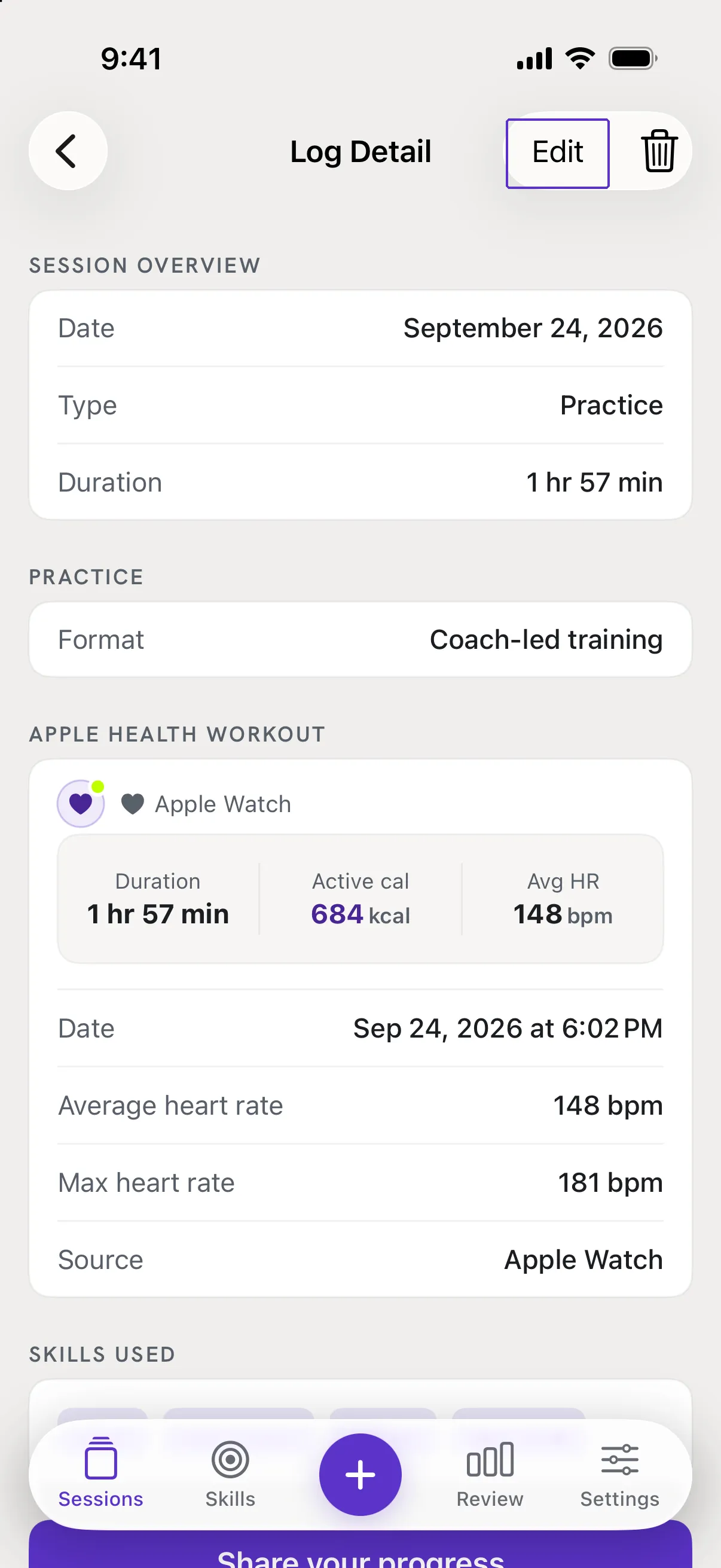
Tap Import from Apple Health
Scroll to the Apple Health Workout card and tap Import from Apple Health. This step is optional: you can save the session without a workout and add one later.
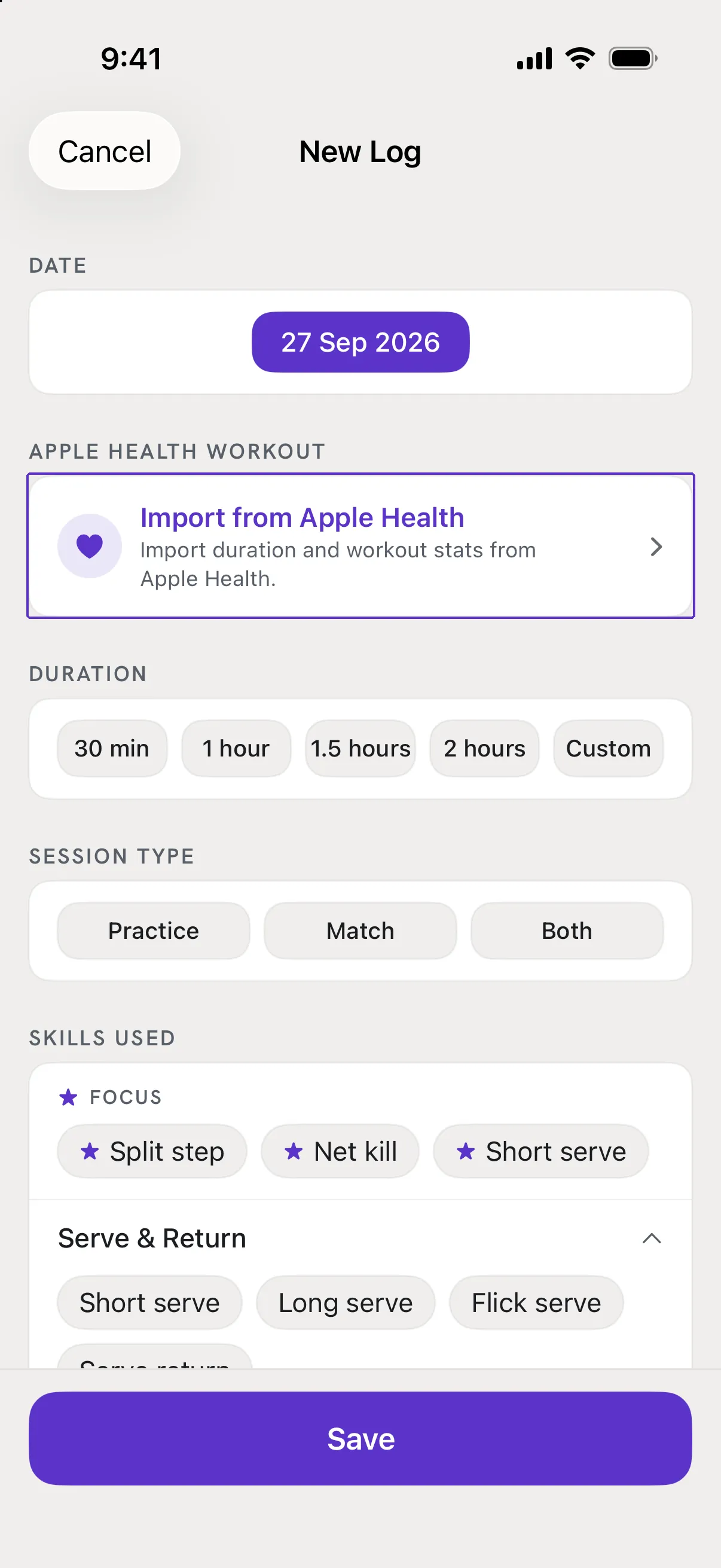
Pick the workout
The Select Workout screen lists your badminton workouts from the last 6 months, newest first, with the date, duration, calories and heart rate. Tap the one from this session. A preview at the top shows its Duration, Active cal, Avg HR and Max HR.
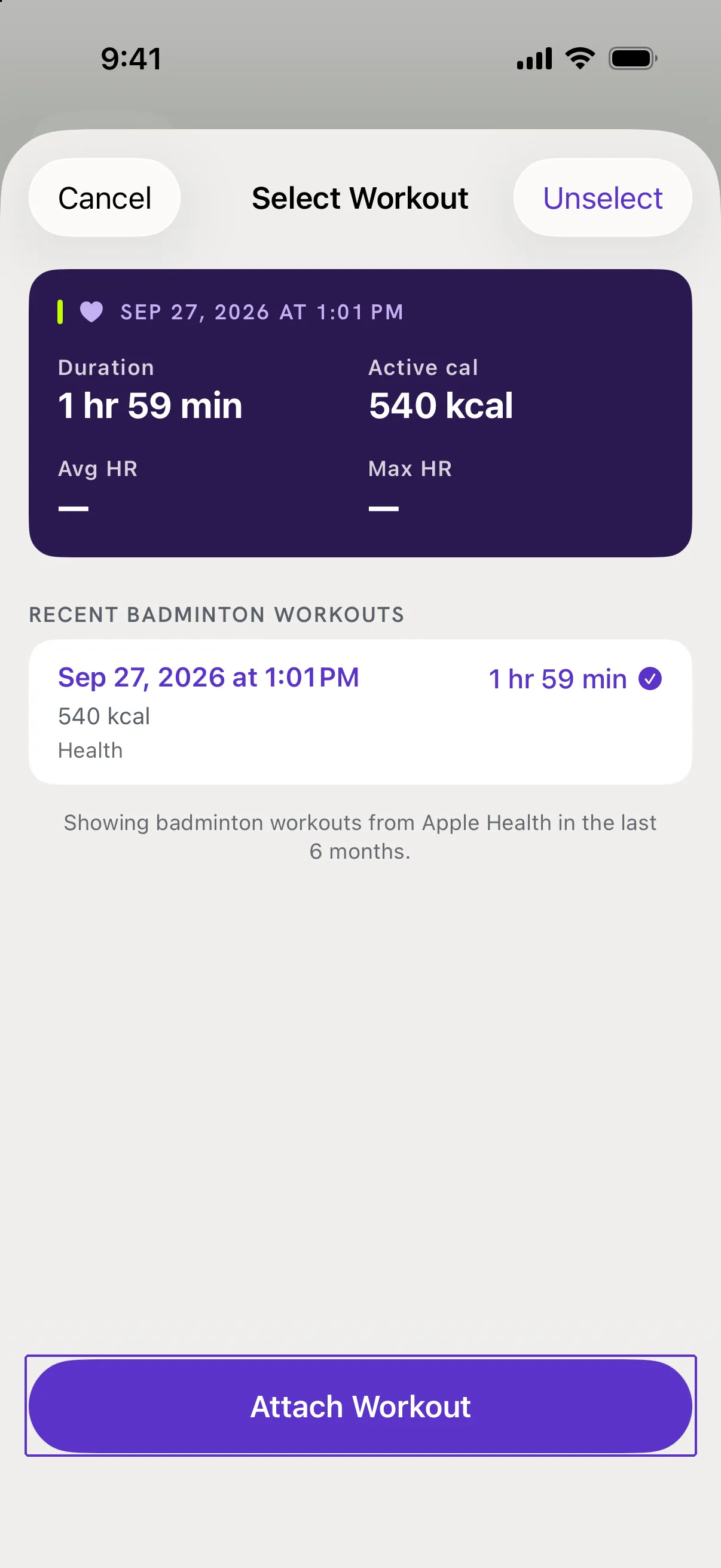
Tap Attach Workout, then save
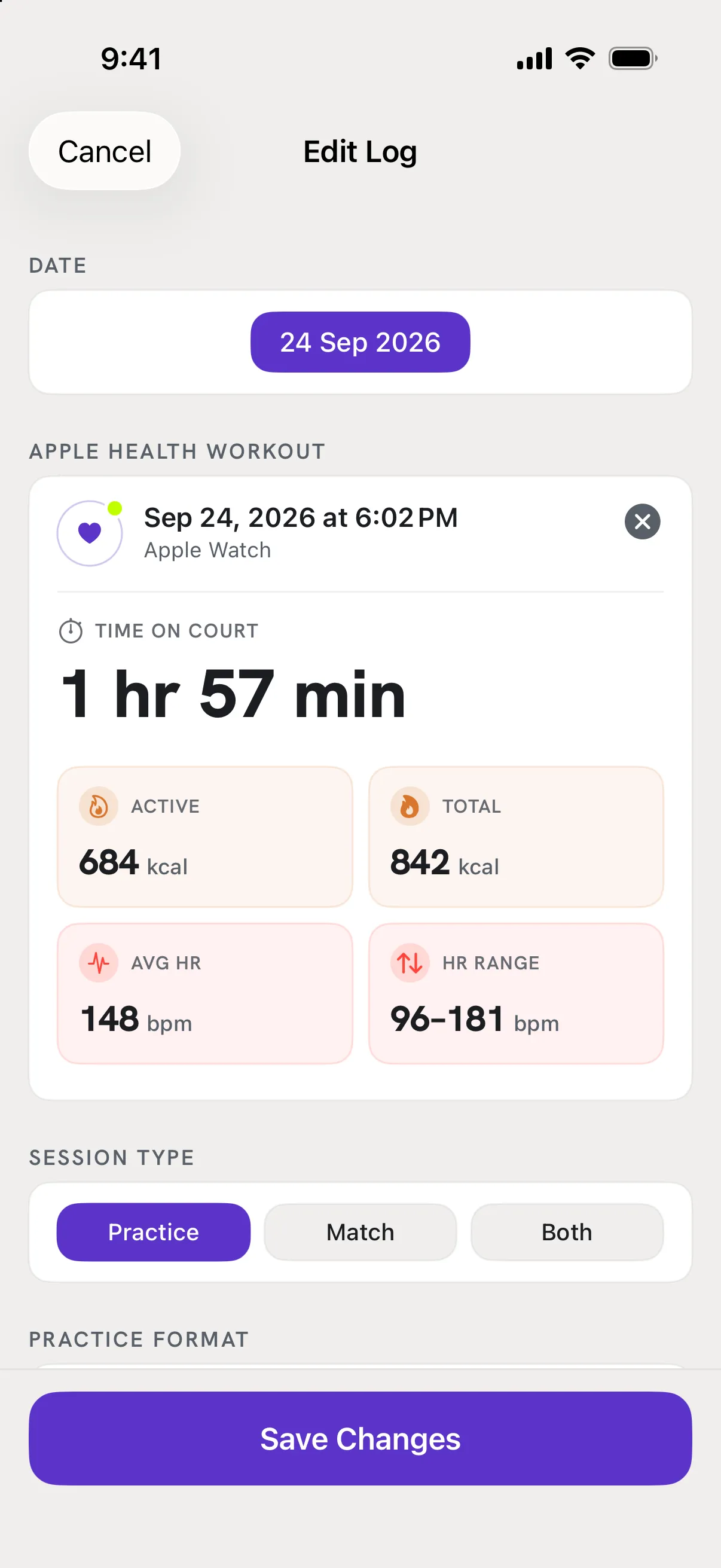
The Apple Health Workout card now shows the workout's date, source, time on court, calories and heart rate. Tap Save (or Save Changes). Its time on court, calories and heart rate show on the session and count toward Review for that week and month.
Good to know
- Picked the wrong workout?
- Open the session, tap Edit, then tap the x on the attached workout to remove it, and import again.
- My workout is not in the list.
- The list only shows workouts of type Badminton from the last 6 months. A workout saved as "Other" or "Racquetball" will not appear. See RallyPath says it cannot see my workouts.
- Does the workout have to be on the same day as the session?
- No. RallyPath does not check the date, so you can attach yesterday's workout to today's log if you forgot.