Share
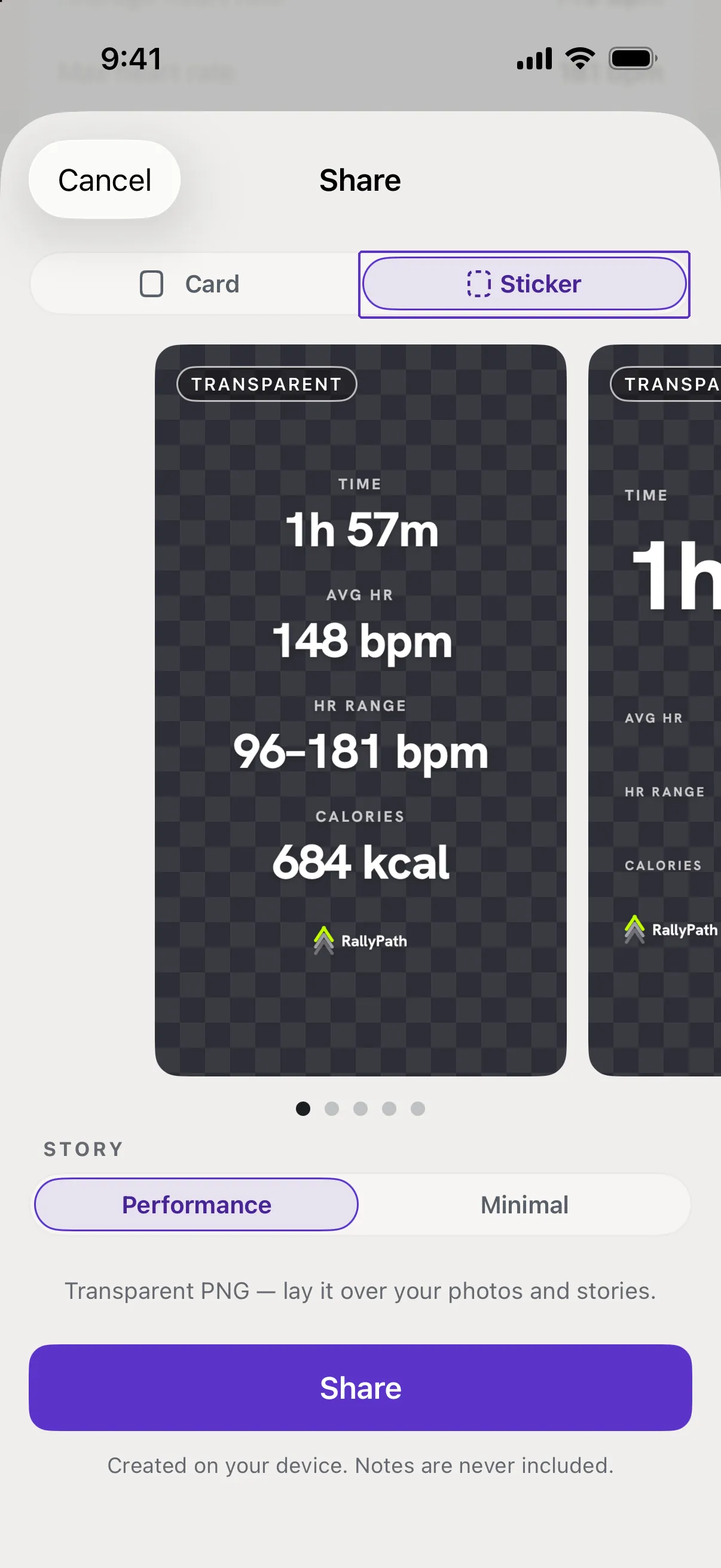
Put the sticker on your own photo or video
Save the Transparent version to Photos, then add it as a sticker in the app you are posting from.
Before you start
The Sticker has a see-through background, so it sits on top of anything without a white box around it.
Steps
Save the sticker
On the Share screen switch to Sticker, tap Share, then Save Image.
Open your photo or clip in the other app
Instagram Stories, TikTok, CapCut - anything that lets you add an image on top of your own.
Add the sticker from Photos
Use the app's sticker or image tool, pick the saved image, then move and resize it. The background stays clear.
Good to know
- The sticker has a white background.
- You shared the Card. Go back and switch to Sticker.
- Can I put it on a video inside RallyPath?
- No. RallyPath makes the image; the placing happens in the app you post from.