Sessions
Edit or delete a session
Open the session, tap Edit to change anything, or the trash icon to remove it for good.
Before you start
Deleting cannot be undone. If you might want the session back, export a backup first (Settings, then Data).
Steps
Open the session
In Sessions, tap the card. The session opens with its overview, matches, skills, workout, reflection and photos.
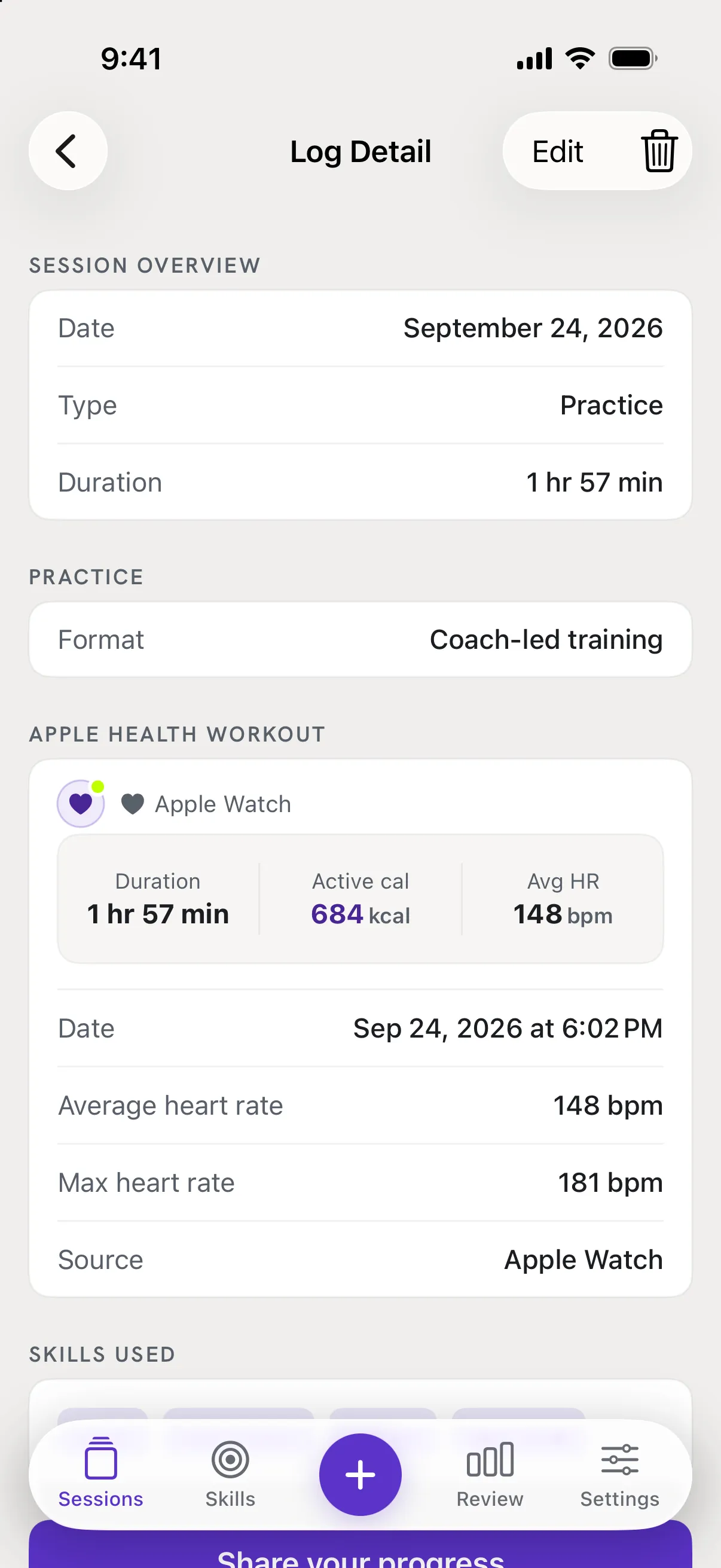
To change it, tap Edit
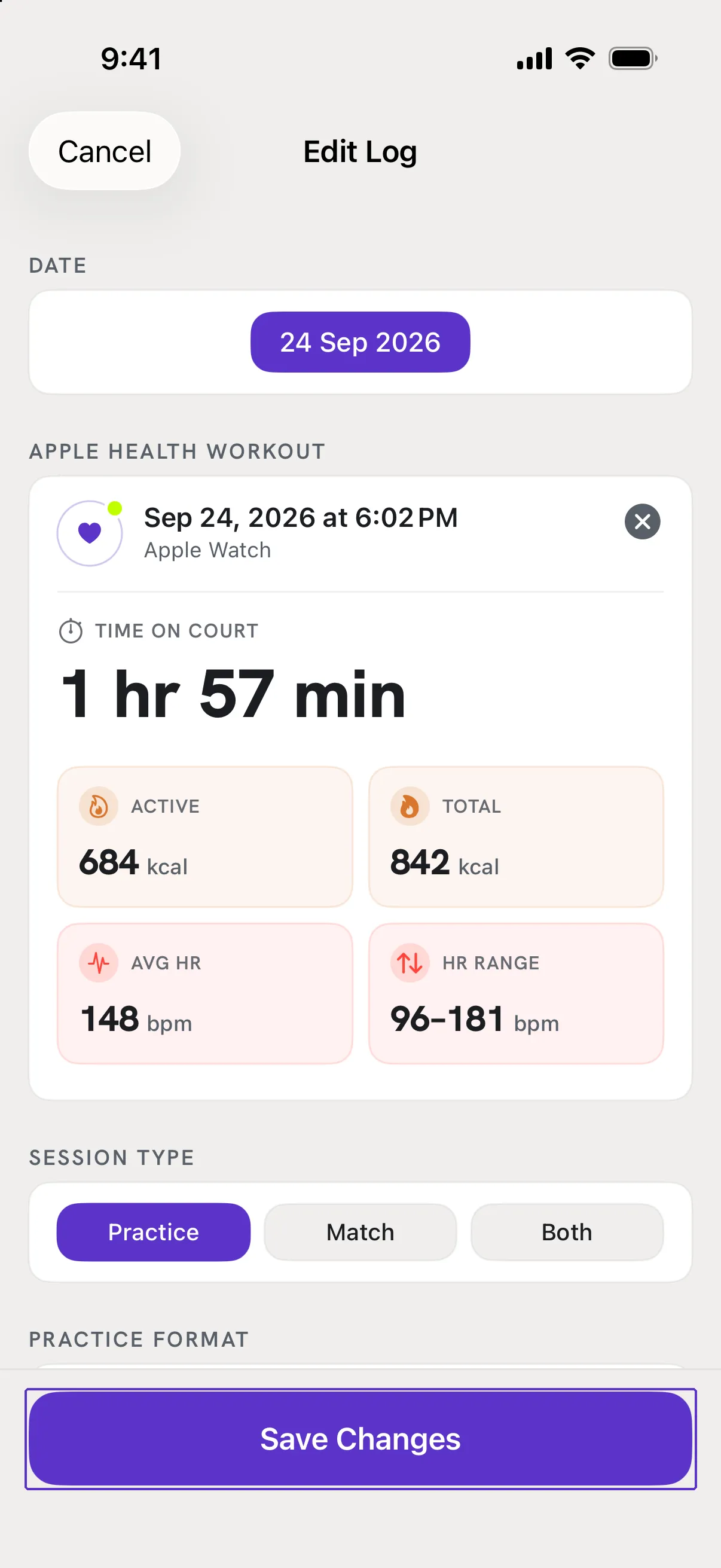
Top right. The Edit Log screen is the same as New Log with your entries filled in. Change anything and tap Save Changes.
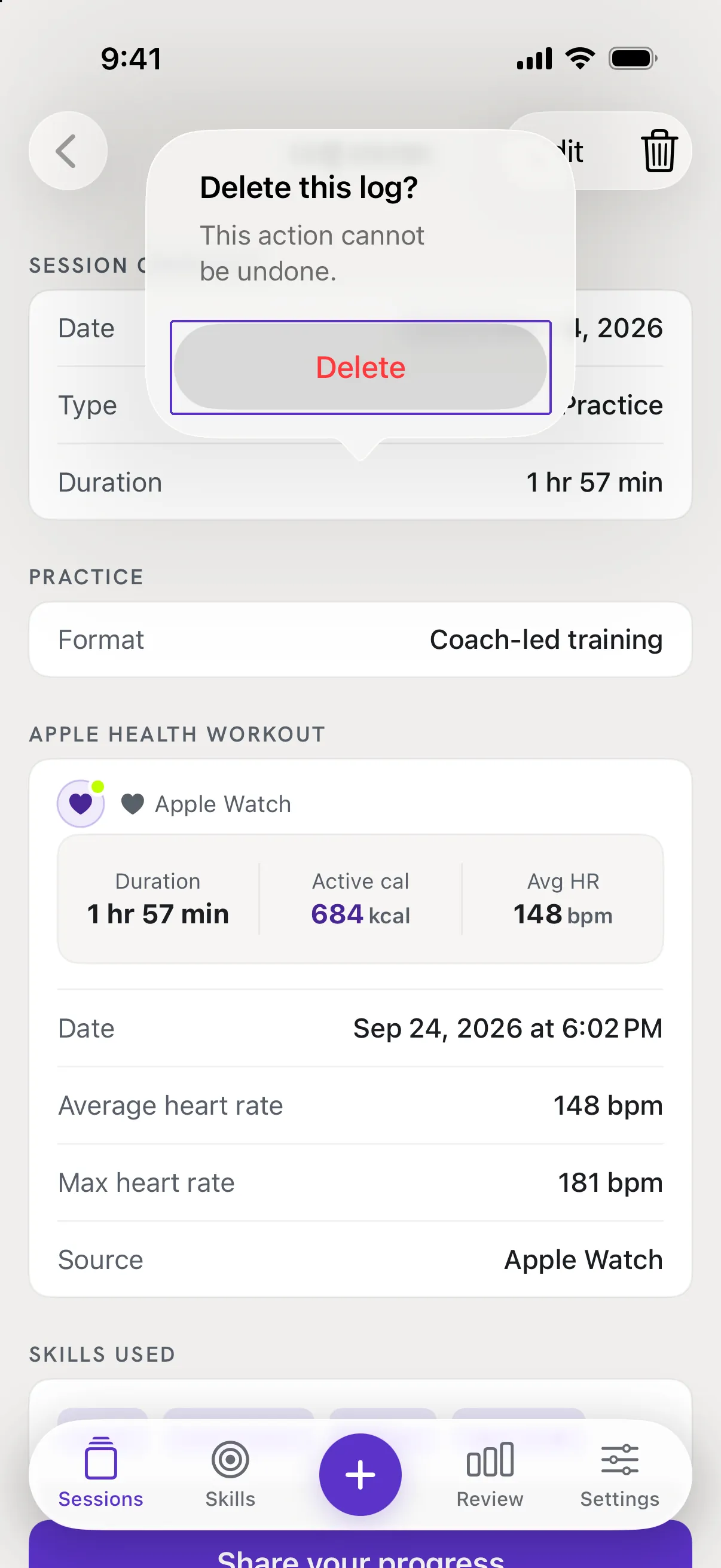
To remove it, tap the trash icon
Also top right. Confirm with Delete. The session, its photos and its attached workout numbers are removed from RallyPath. Nothing in Apple Health changes.
Good to know
- Can I delete from the list without opening?
- Yes. In Sessions, swipe the card left and tap Delete Log.
- I changed the type and my matches disappeared.
- Switching between Practice and Match clears the data that belongs to the old type. The app asks Change Type or Keep Current Type before it does.