Settings and your data
Delete all data
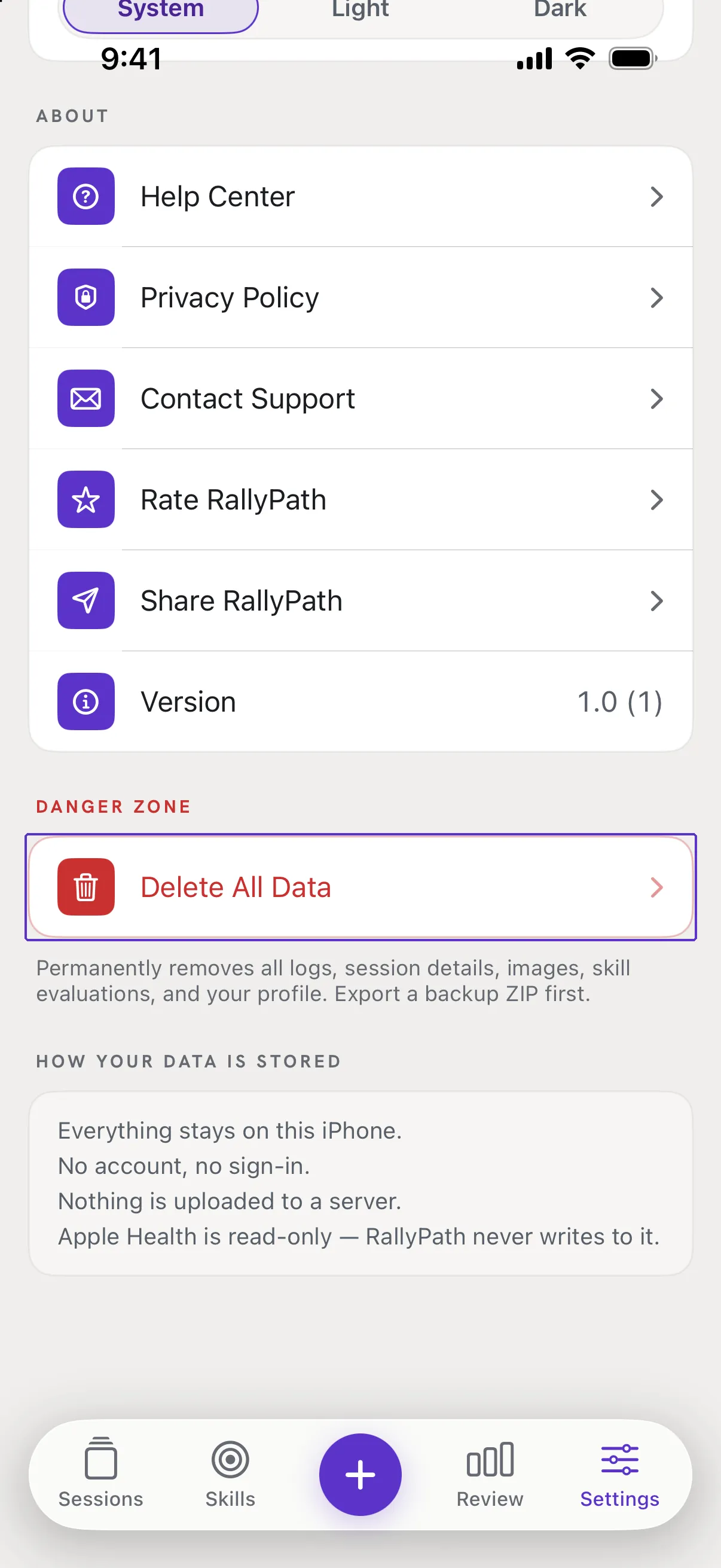
The red button at the bottom of Settings. It removes everything on this phone and cannot be undone.
Before you start
Export a backup first if there is any chance you want the data back. Deleting removes every log, photo, skill evaluation and your profile from the phone. It does not touch Apple Health.
Steps
Go to Settings and scroll to the bottom
Tap Delete All Data. If there is nothing to delete, the button says so.
Confirm twice
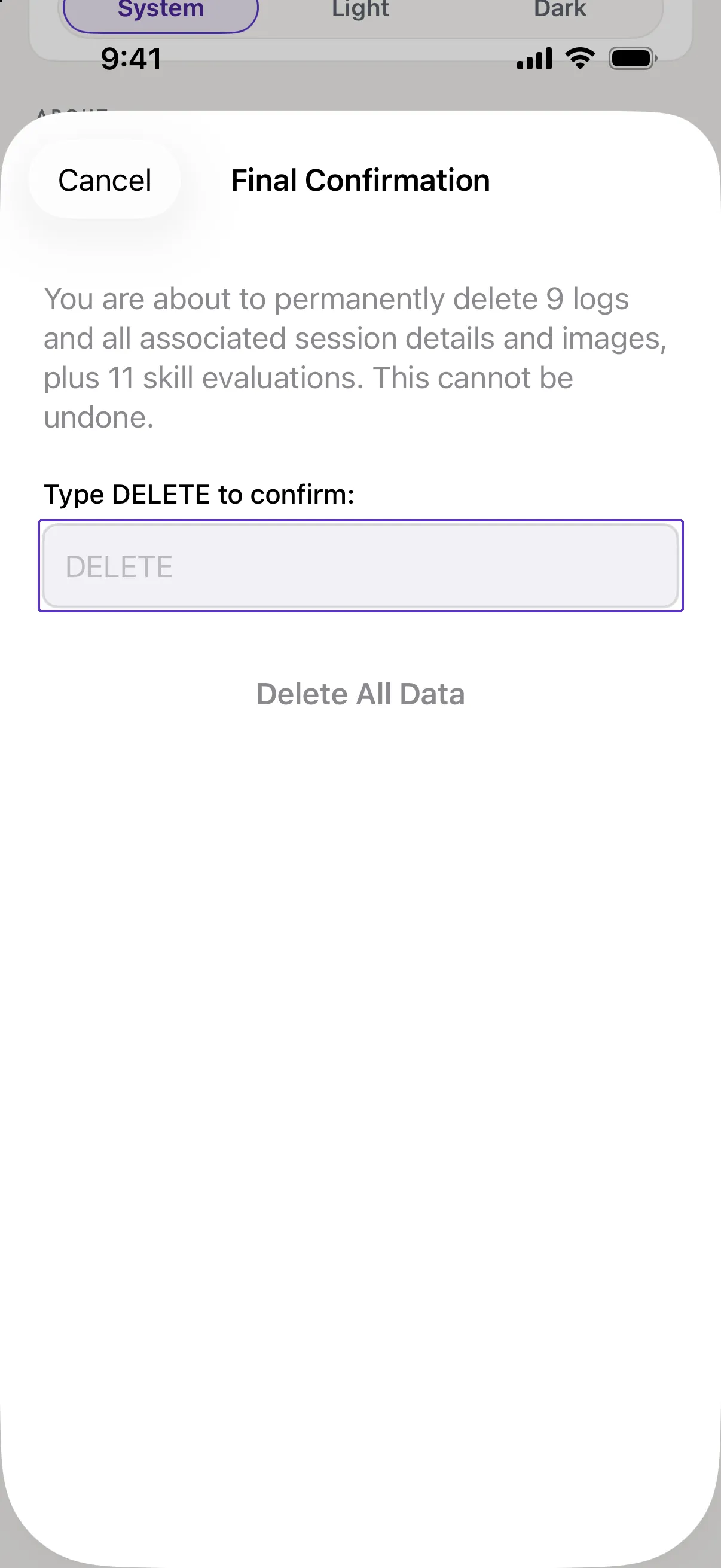
Tap Continue on the first alert, then type DELETE in the box and confirm. The app returns to its first-run state.
Good to know
- Why two confirmations?
- Because there is no undo and no server copy. The second step exists so a stray tap cannot cost you a season of logs.
- I only want to delete one session.
- Open it and tap the trash icon, or swipe it left in Sessions. See Edit or delete a session.