Skills
Edit or delete a past evaluation
Every rating is kept with its date. Open the skill's history to change or remove one.
Before you start
Editing a past rating changes the history the dashboard reads from, so Moved up may change too.
Steps
Open the skill's history
On the rating sheet, RECENT HISTORY lists your evaluations with their dates and levels.
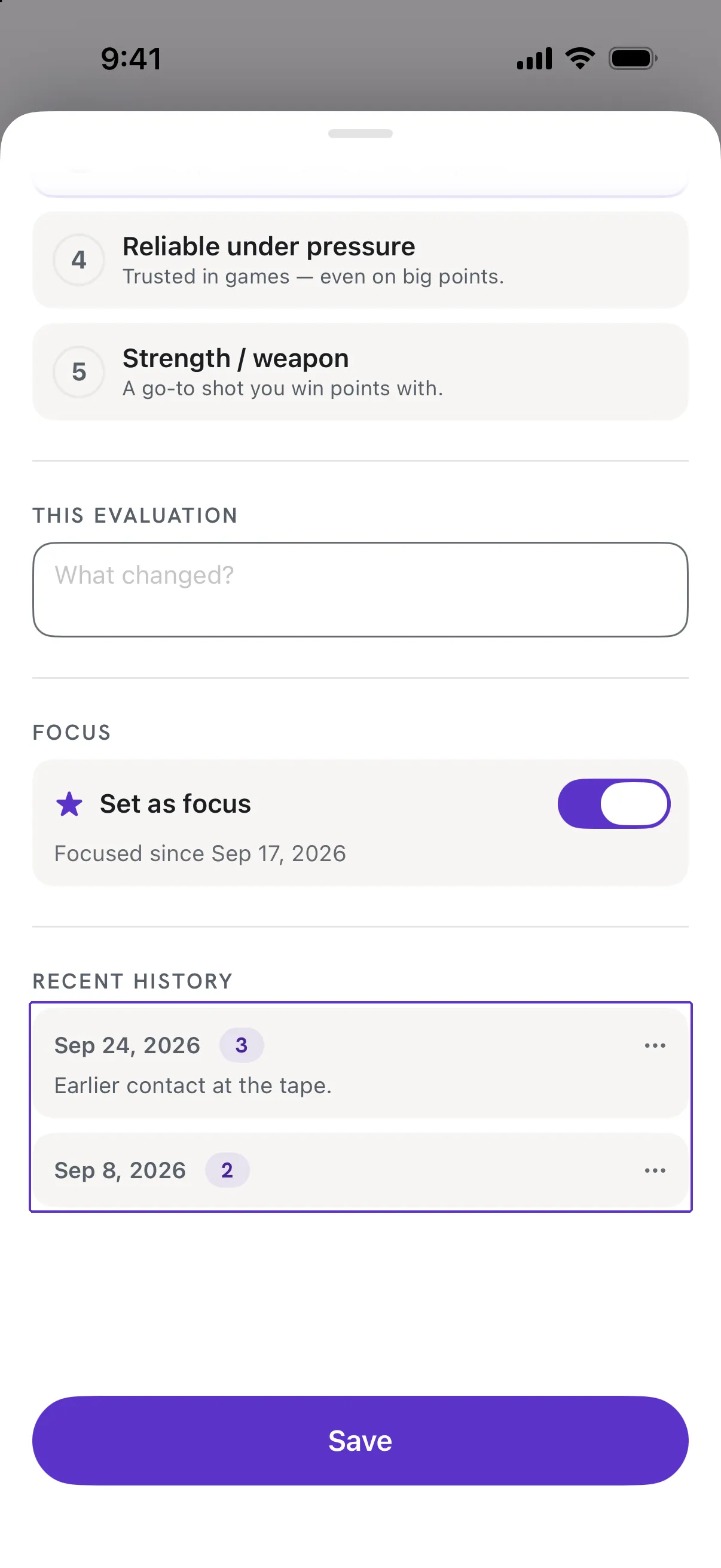
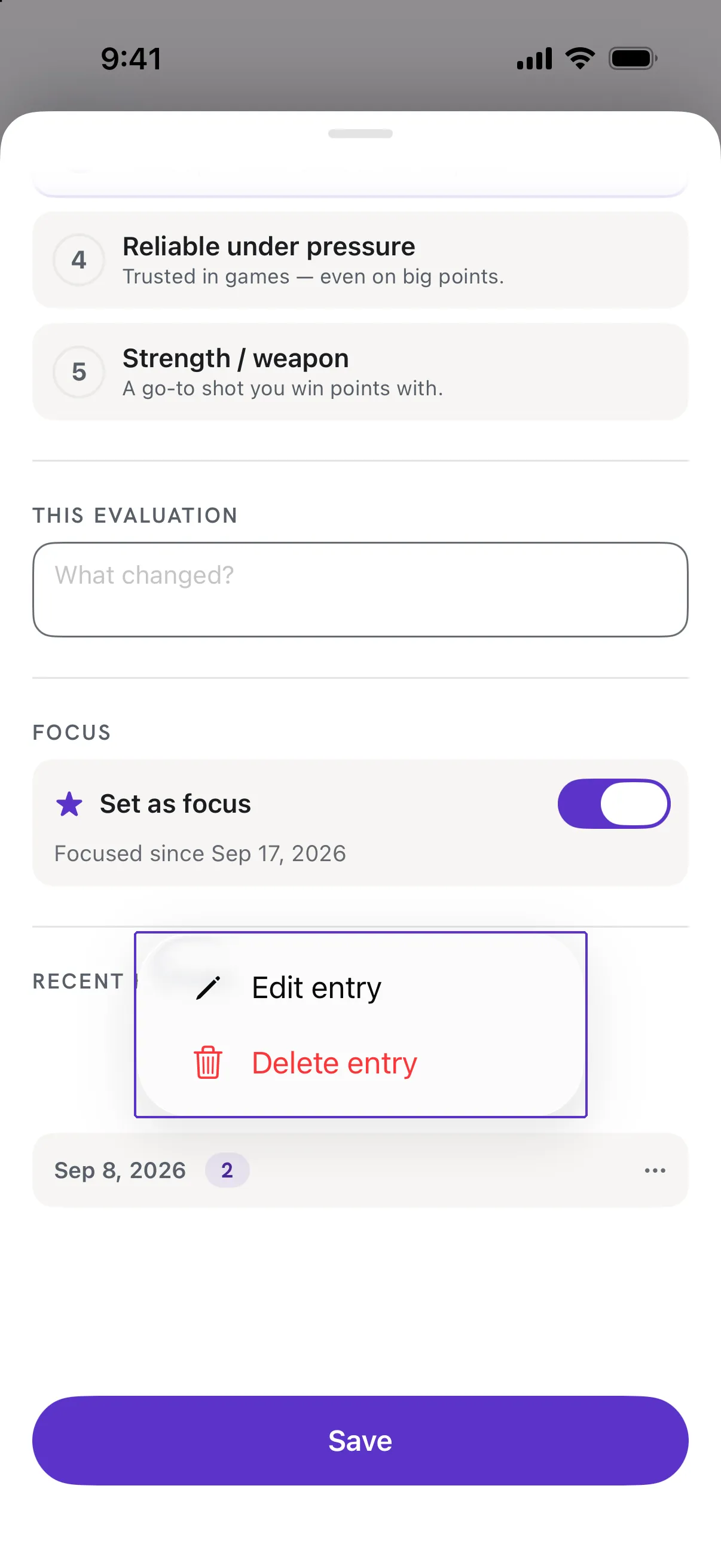
Tap the ⋯ on an entry, then Edit entry or Delete entry
Edit entry opens it with its original date so you can change the level or note; Delete entry asks you to confirm and then removes it.
Good to know
- Can I change the date of an evaluation?
- No. The date is when you rated. To record a different day, add a new evaluation.
- I deleted my only rating for a skill.
- The skill goes back to Not rated and drops out of the Overall average.