Share
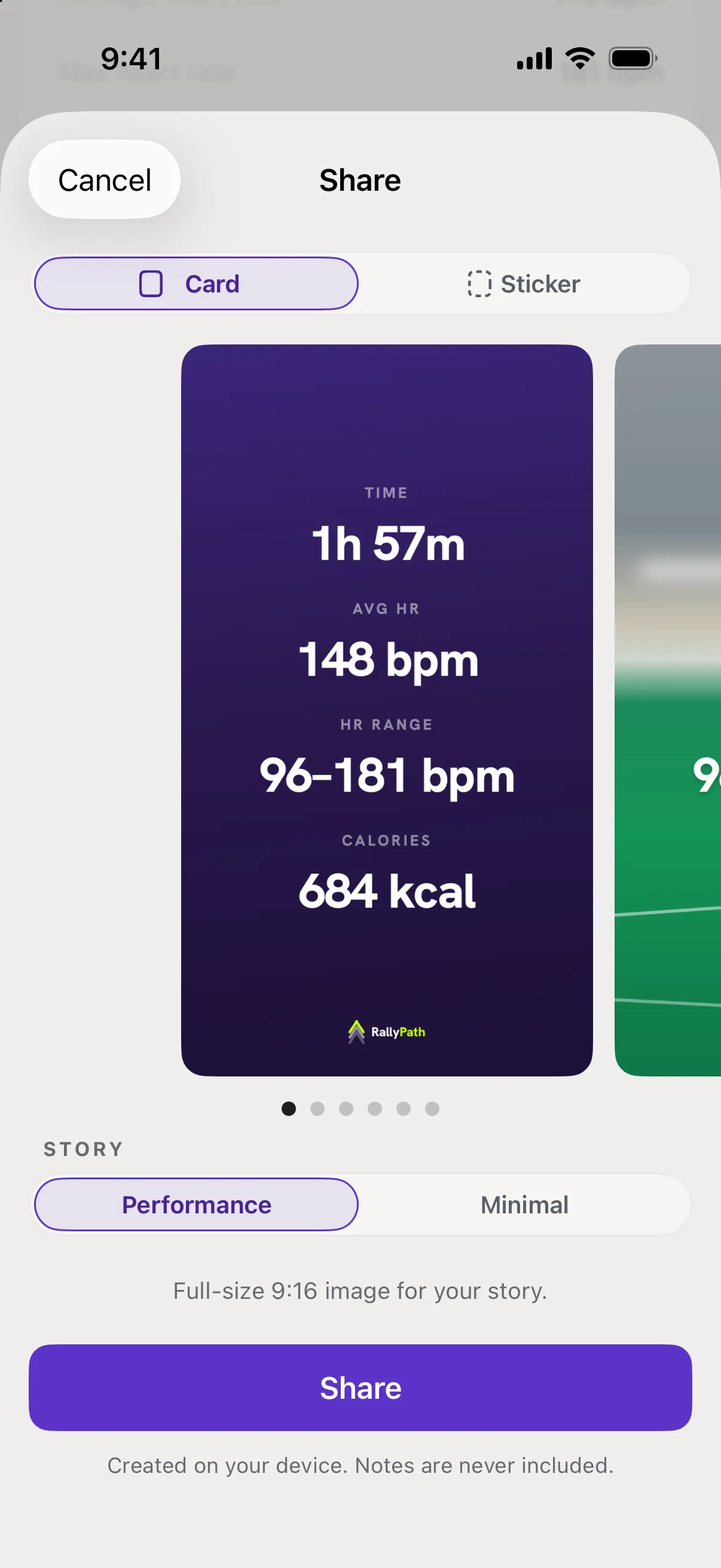
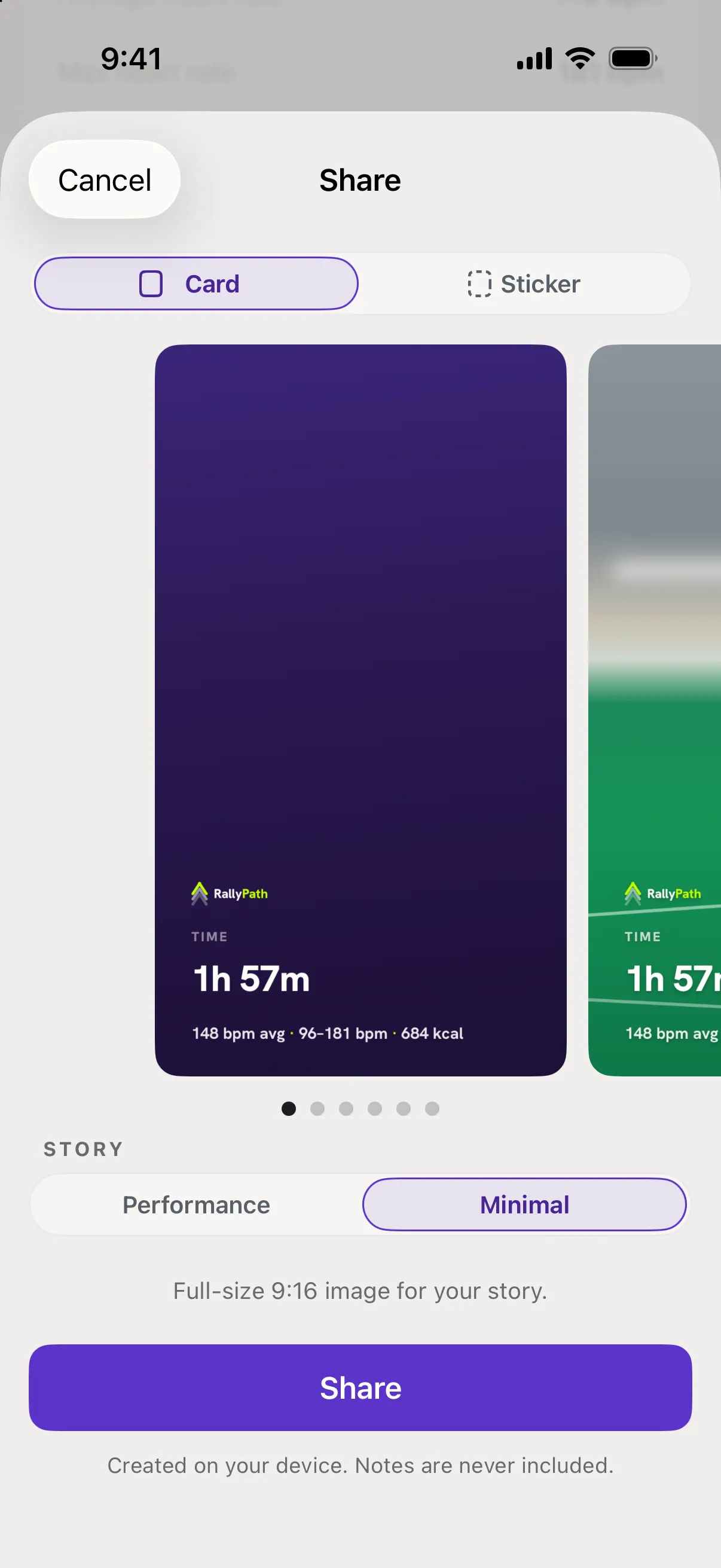
Choose a layout: Performance, Result or Minimal
Three layouts on the Share screen. Which one appears depends on the session type.
On the Share screen, swipe or tap between layouts under the preview. Each one uses different numbers from the session.
Good to know
- Performance
- Court time, calories and heart rate from the attached workout, plus the skills you trained. The default for a practice session.
- Result
- The match record for the session - singles or doubles, wins and losses. Only offered when the session is a Match or Practice + Match, and the default for those.
- Minimal
- Date and the essentials, with the most white space. Works for any session type.
- Some numbers show a dash
- The layout is fine; the session is missing that data. Attach a workout or add match results and share again.