Start here
Install RallyPath and open it for the first time
What the first screen shows, and the one thing you are asked for (nothing, until you choose to import a workout).
Before you start
RallyPath has no account and no sign-up. Install it from the App Store, open it, and you are in.
Steps
Open the app
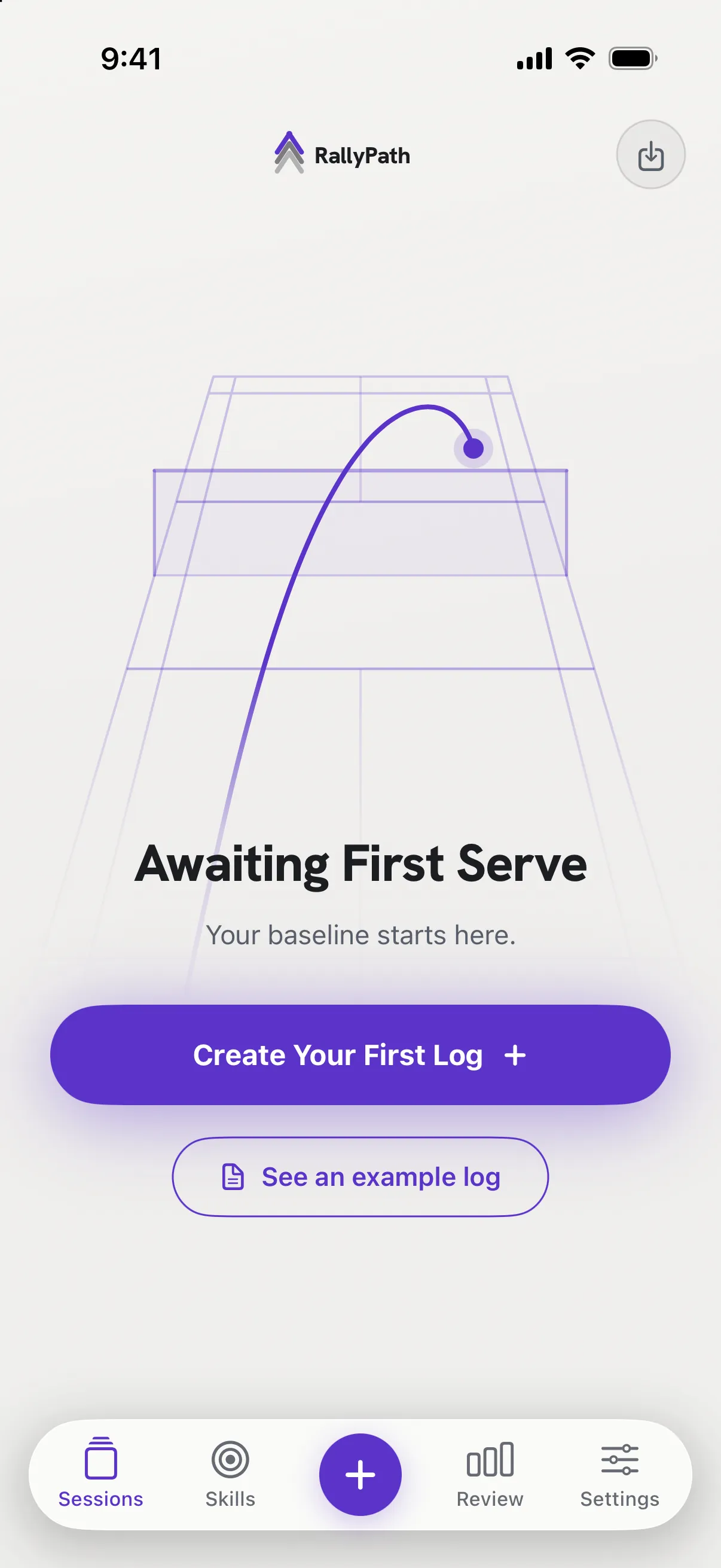
The first screen is Sessions. With nothing logged yet it reads Awaiting First Serve - your baseline starts here. Below it are two buttons: Create Your First Log and See an example log.
Look at the example, or skip it
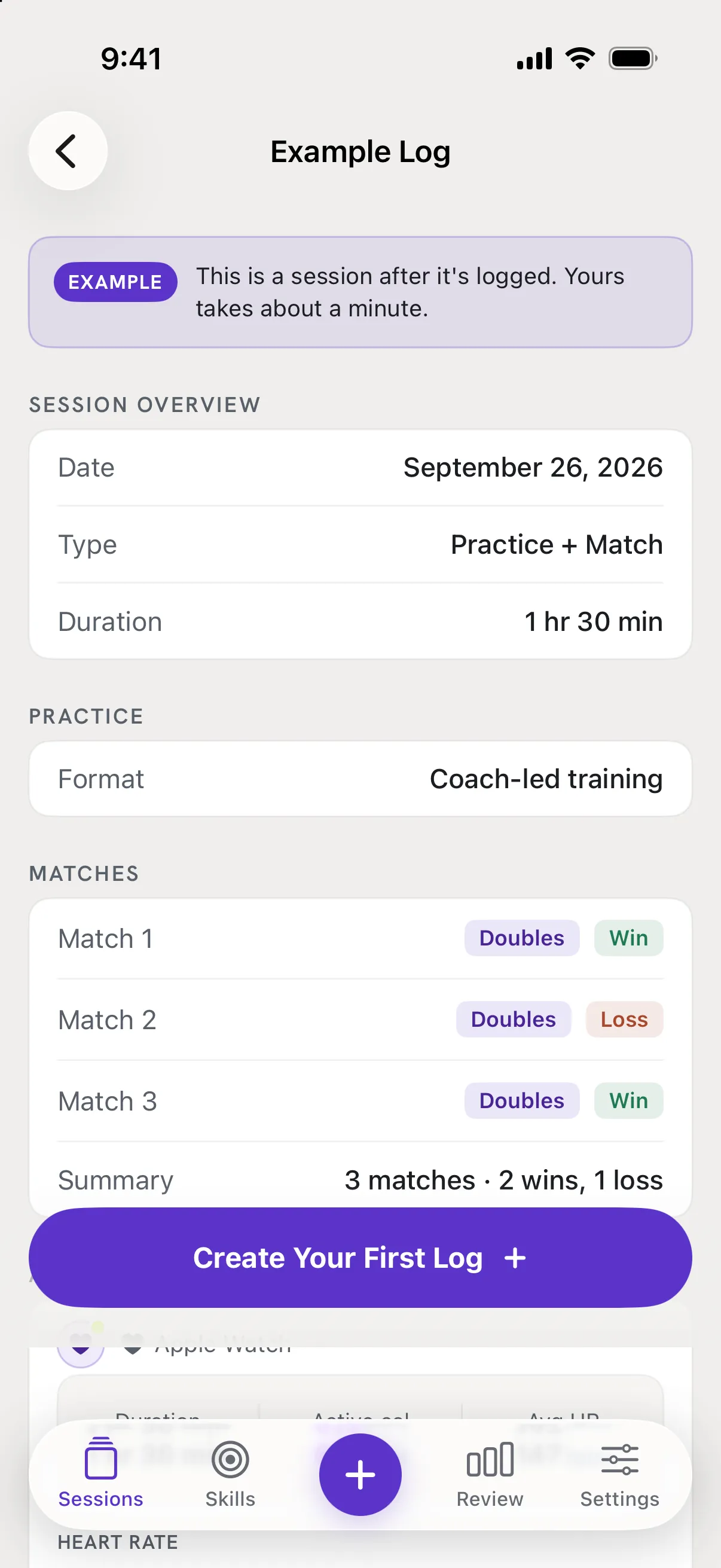
Tap See an example log to open a finished session so you know what a full log looks like. It is not saved to your list; close it whenever you like.
Log your first session
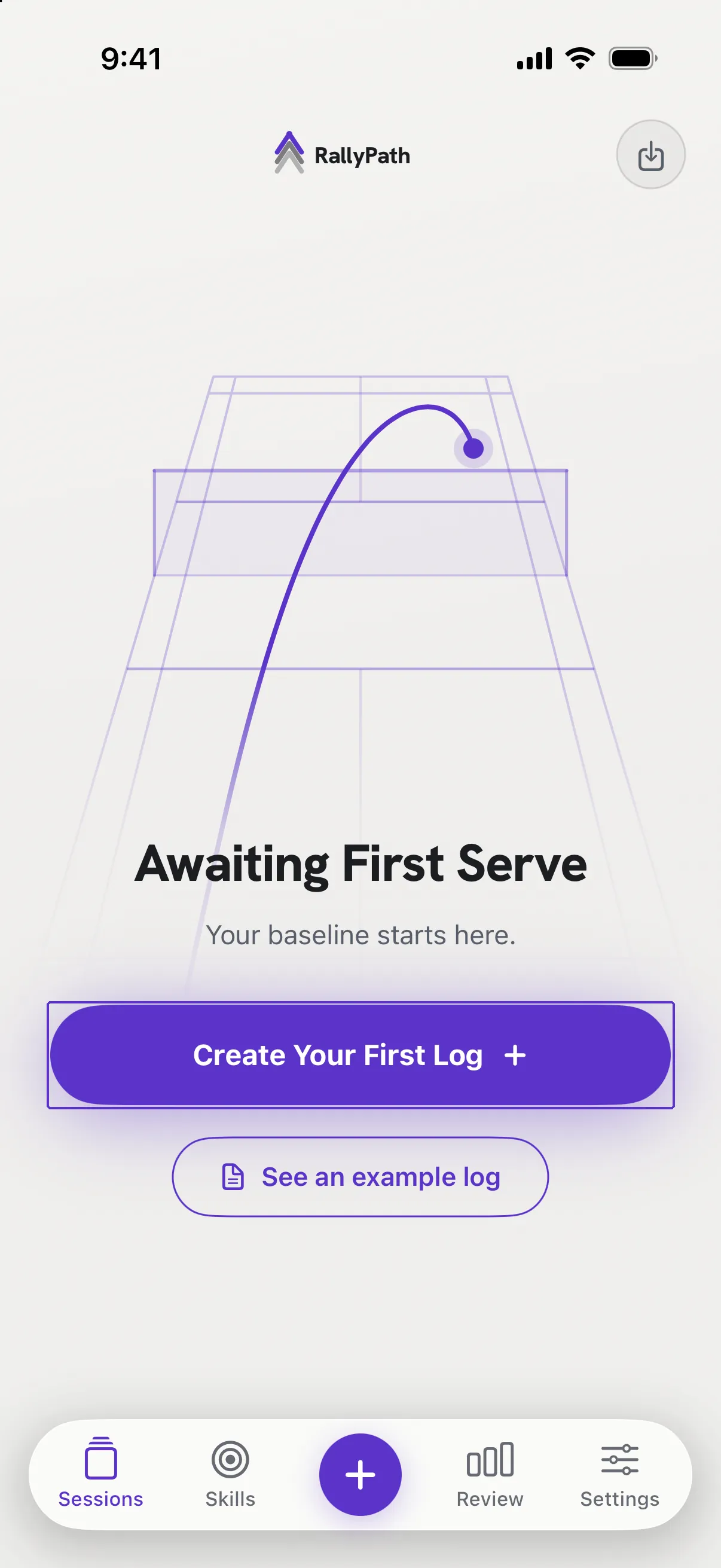
Tap Create Your First Log, or the + in the middle of the tab bar. The next article walks through it.
Good to know
- Will it ask for permissions?
- Not at launch. RallyPath asks for Apple Health access only when you tap Import from Apple Health inside a session, and for Photos access only when you save a share card. Everything else works without asking.
- Do I need an Apple Watch?
- No. Every session can be logged by hand with a duration you type. The watch only adds calories and heart rate.