Troubleshooting
My data disappeared
The usual causes, and the one that matters: RallyPath keeps data on the phone, so deleting the app deletes the data.
Before you start
Check the simple things first: a day or type filter in Sessions can make the list look empty when it is not.
Steps
Check the filters in Sessions
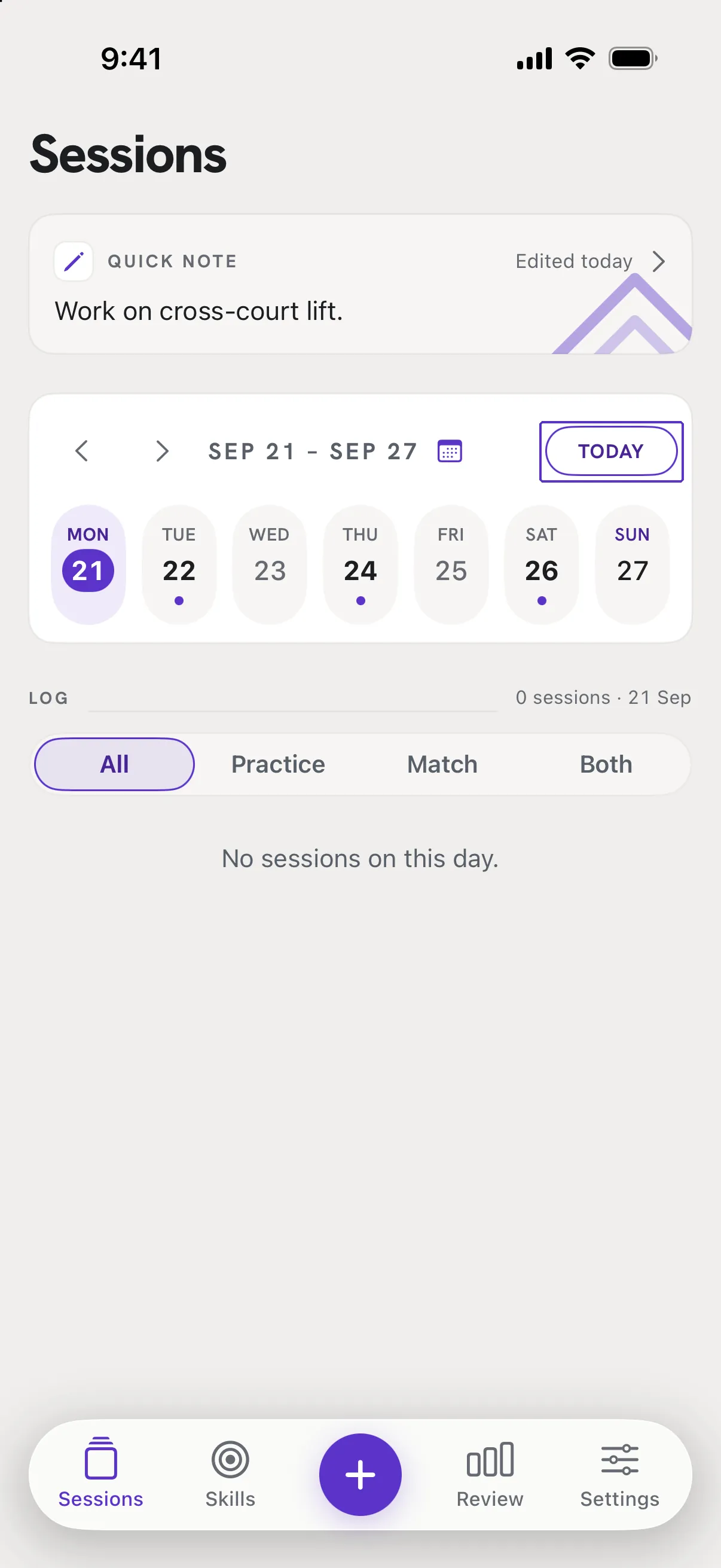
Tap Today above the week strip and set the filter to All. A selected day or a type filter only shows part of your list.
If the app was deleted and reinstalled, restore a backup
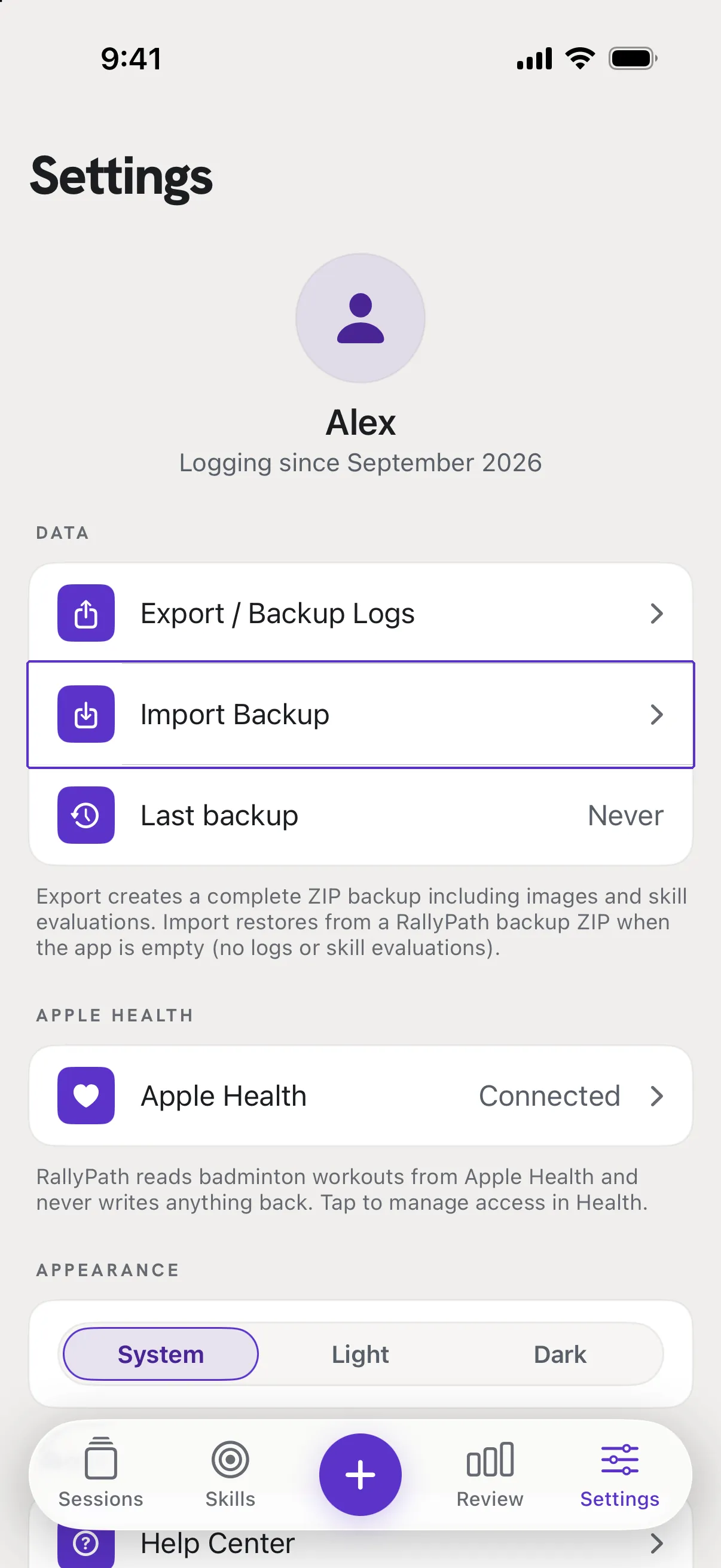
Deleting the app removes its data. If you have a RallyPath_Backup_ file, go to Settings, Data, Import Backup before logging anything new. See Restore on a new phone.
Good to know
- I have no backup.
- Then the data cannot be recovered by us - it never left your phone. If your iPhone's own iCloud backup is from before the deletion, restoring the whole phone from it would bring the app data back, but that is an Apple process and it replaces everything on the phone.
- How do I stop this happening again?
- Export a backup regularly and keep it in iCloud Drive. See Back up your data.