Sessions
Find a past session
Use the week strip, the date picker or the type filter at the top of Sessions.
Before you start
Sessions is organised by day. The strip at the top of the list is the fastest way around.
Steps
Swipe the week strip
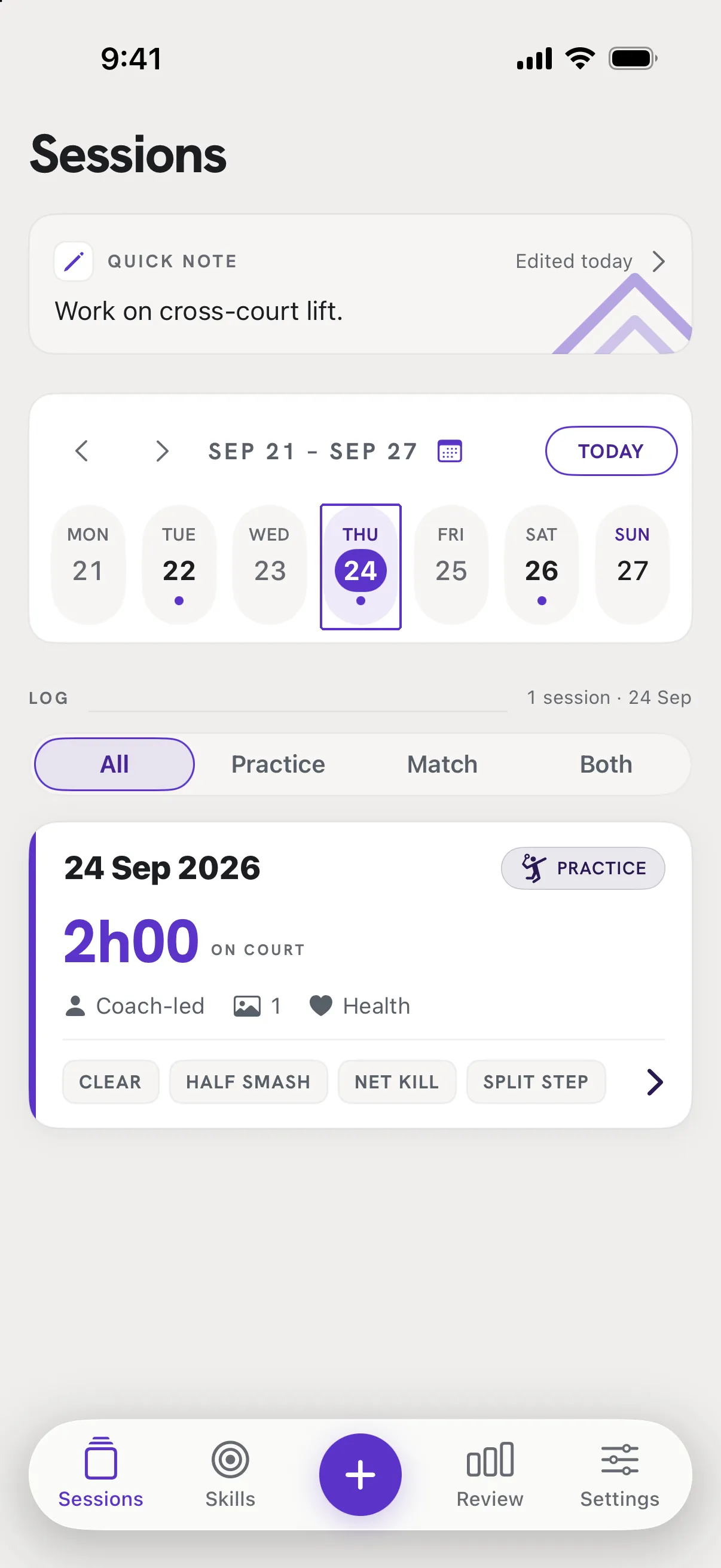
The row of seven days shows the current week; the arrows move a week at a time. Tap a day to show only that day's sessions. Tap Today to come back.
Jump to a date
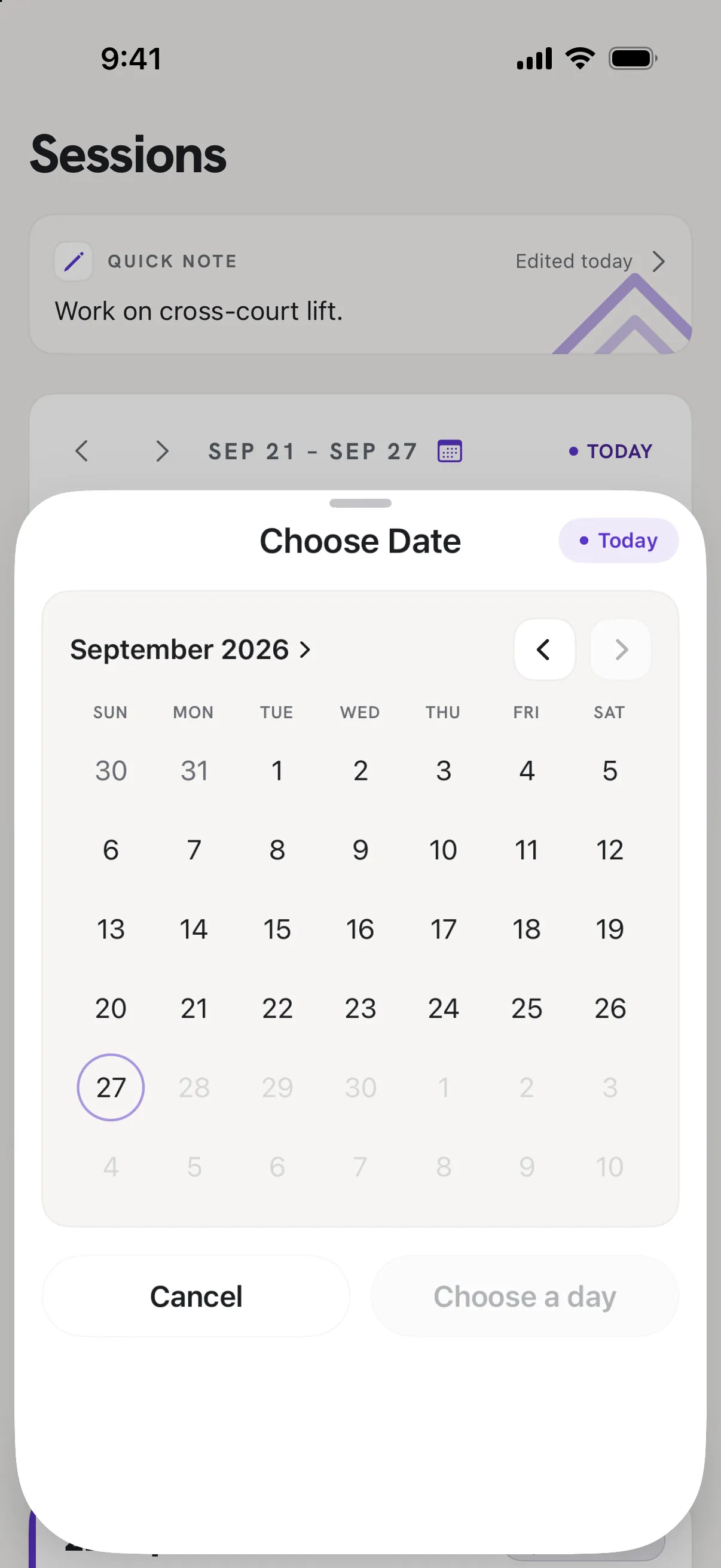
Tap the date range with the calendar icon above the strip to open Choose Date. Pick a month, then a day, then Choose a day.
Narrow by type
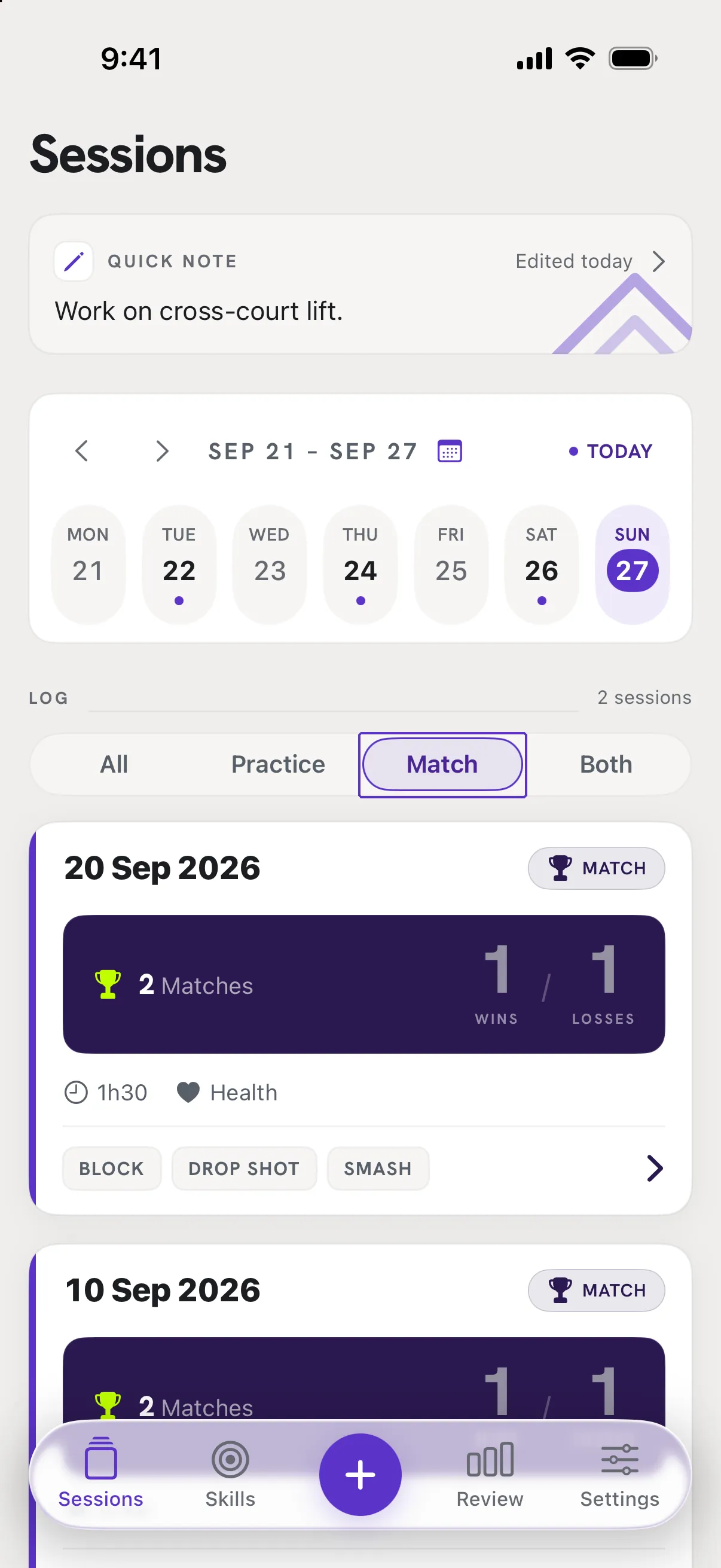
The All / Practice / Match / Both filter keeps only that kind of session in the list.
Good to know
- Is there a text search?
- Not yet. Sessions are found by date and type.
- The list says "No sessions on this day."
- You have a day selected. Tap Today or another day, or set the filter back to All.