Review
Switch between Week, Month and All Time
Review adds up one period at a time. Pick the unit at the top, then step back and forward.
Before you start
Review only counts what you have logged. An empty week shows an empty week; it does not borrow from the month.
Steps
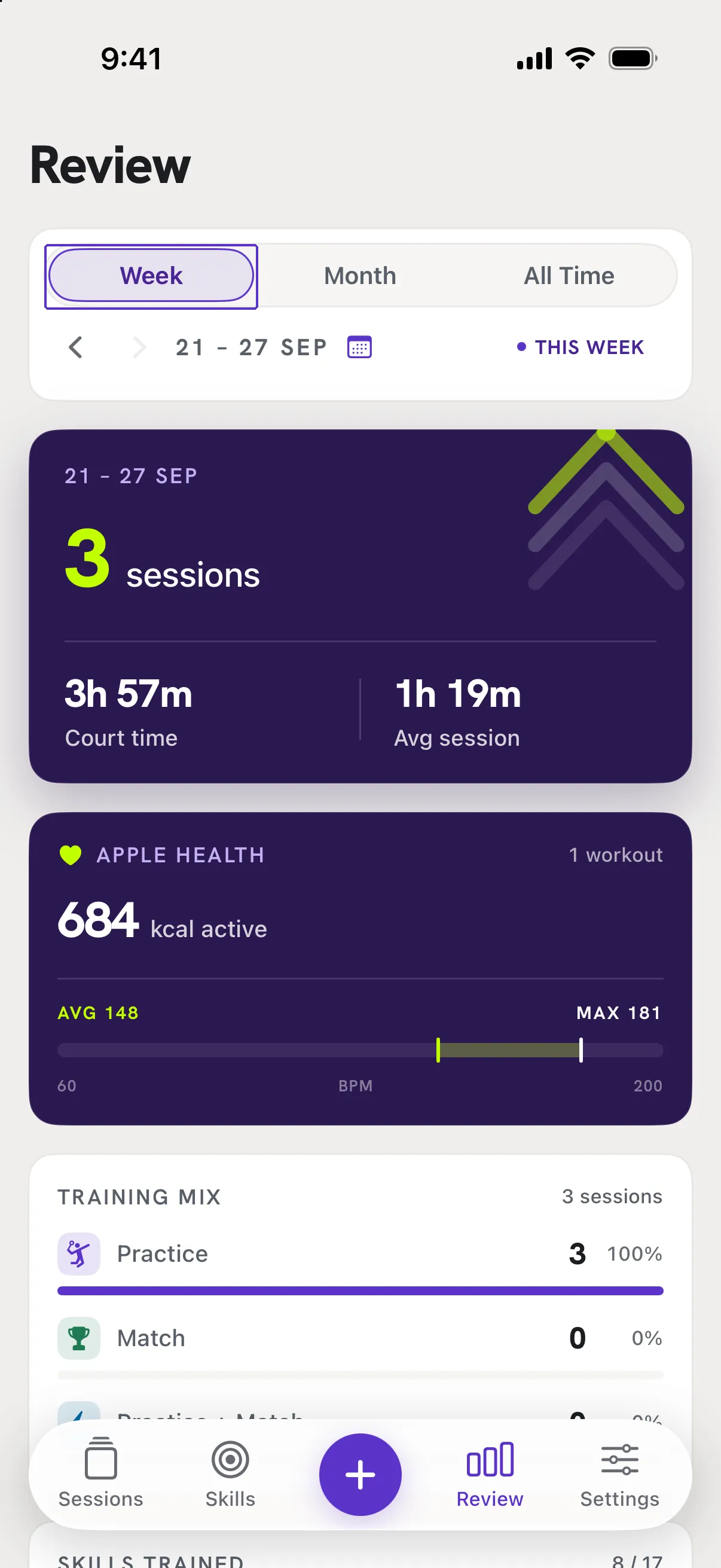
Pick the unit
At the top of Review, tap Week, Month or All Time. The date range under it changes, with a This week or This month pill when you are on the current one.
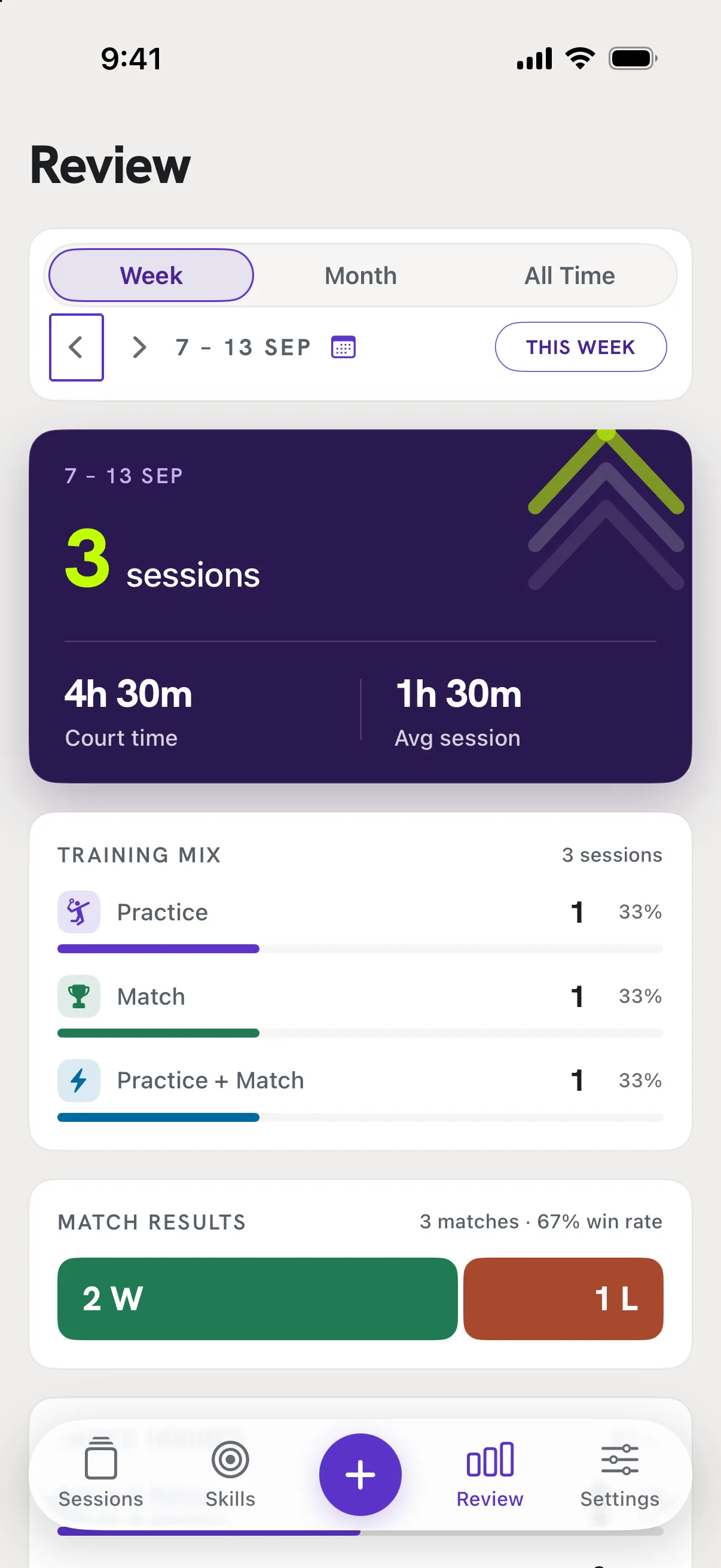
Step through time
Use the arrows beside the date range to go to the previous or next week or month; tap the pill to jump back to now. All Time has no arrows.
Good to know
- Which week is "this week"?
- The one containing today. Weeks and months follow your phone's calendar settings.
- The page says "No sessions yet."
- Nothing is logged in that period. Step to another one, or log a session.