Start here
Log your first session
Tap +, pick the type and duration, save. Everything else is optional.
Before you start
A log can be three taps or a full page. Start small: the date, the type and how long you played are enough.
Steps
Tap + in the middle of the tab bar
The New Log screen opens with today's date already set. Tap the date chip if you played on another day.
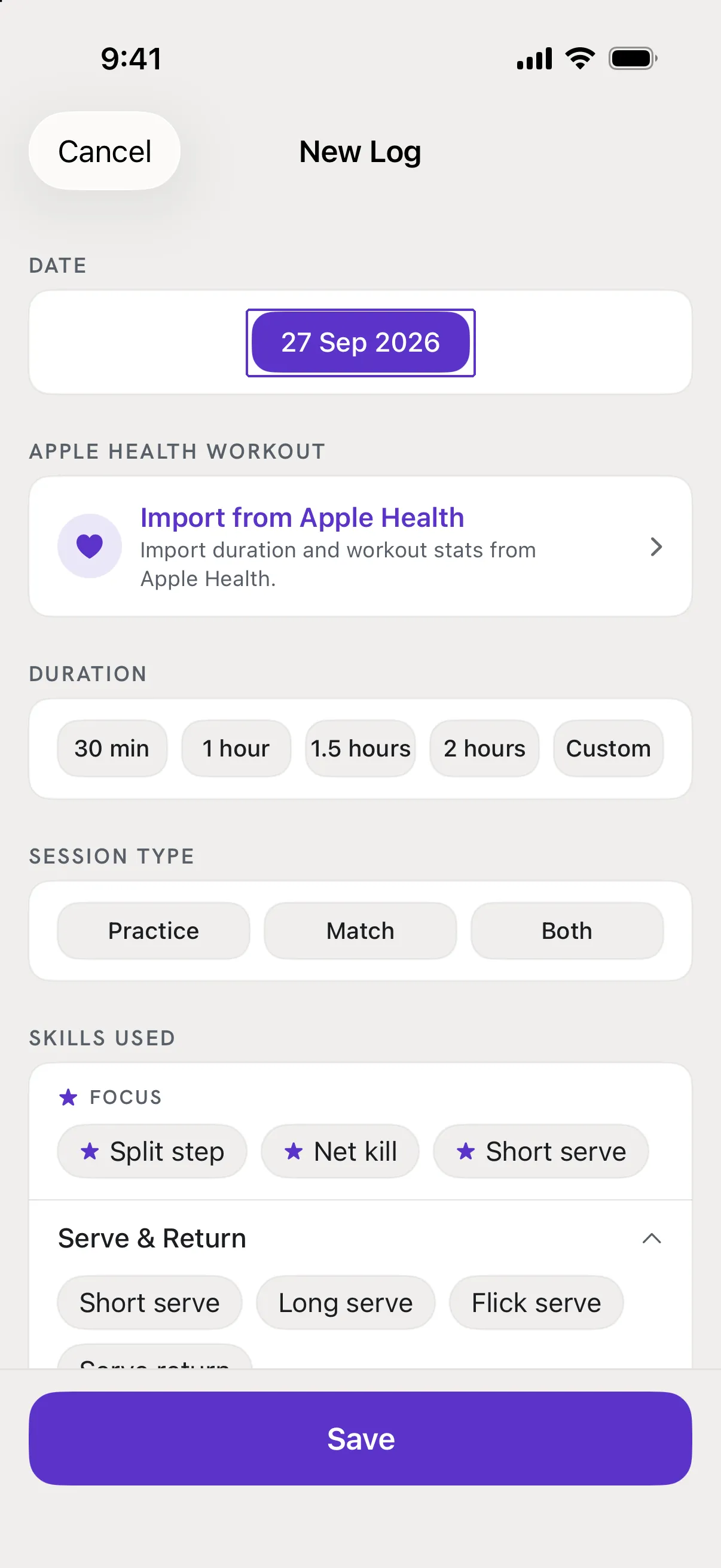
Choose the session type
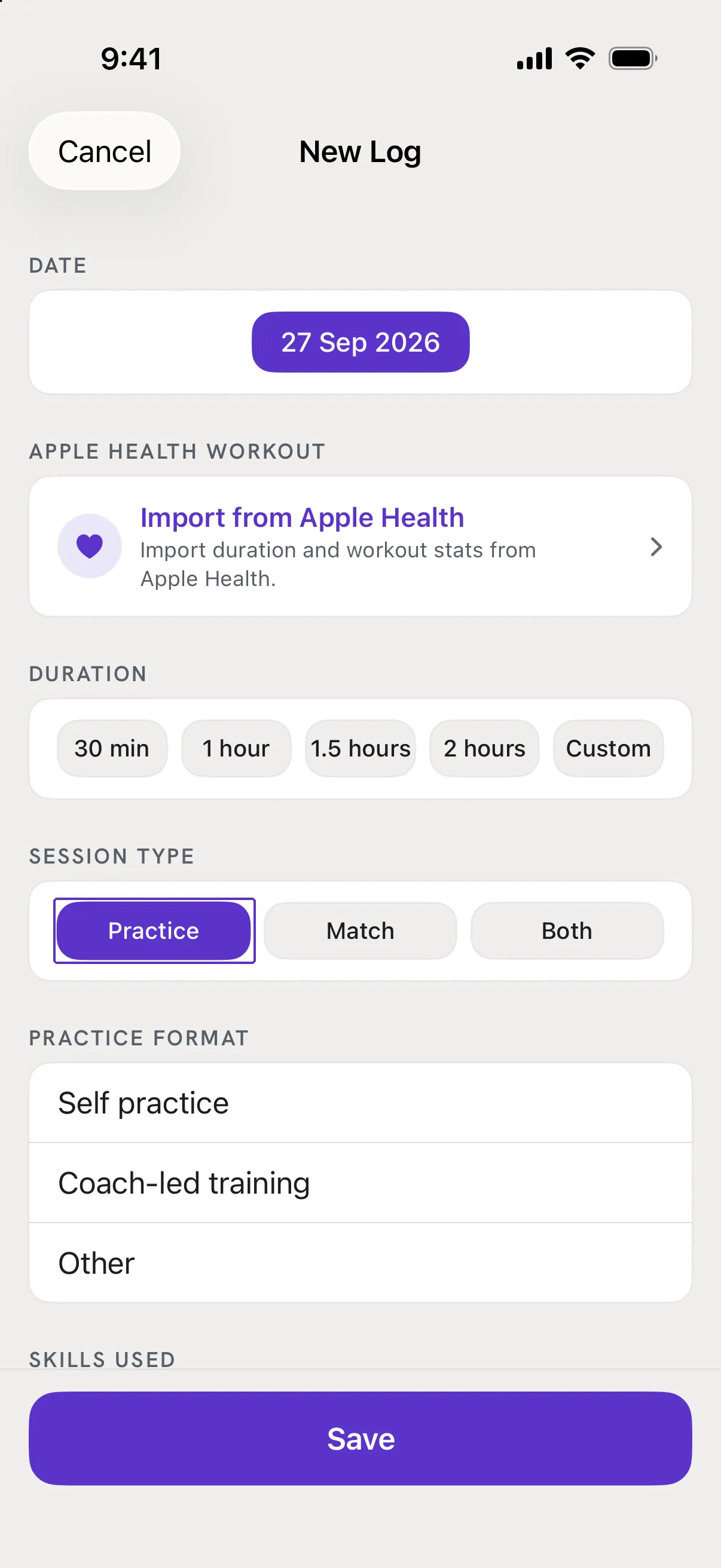
Under Session Type pick Practice, Match or Both. The cards below change to fit: a practice asks for its format, a match asks for at least one match result.
Set the duration
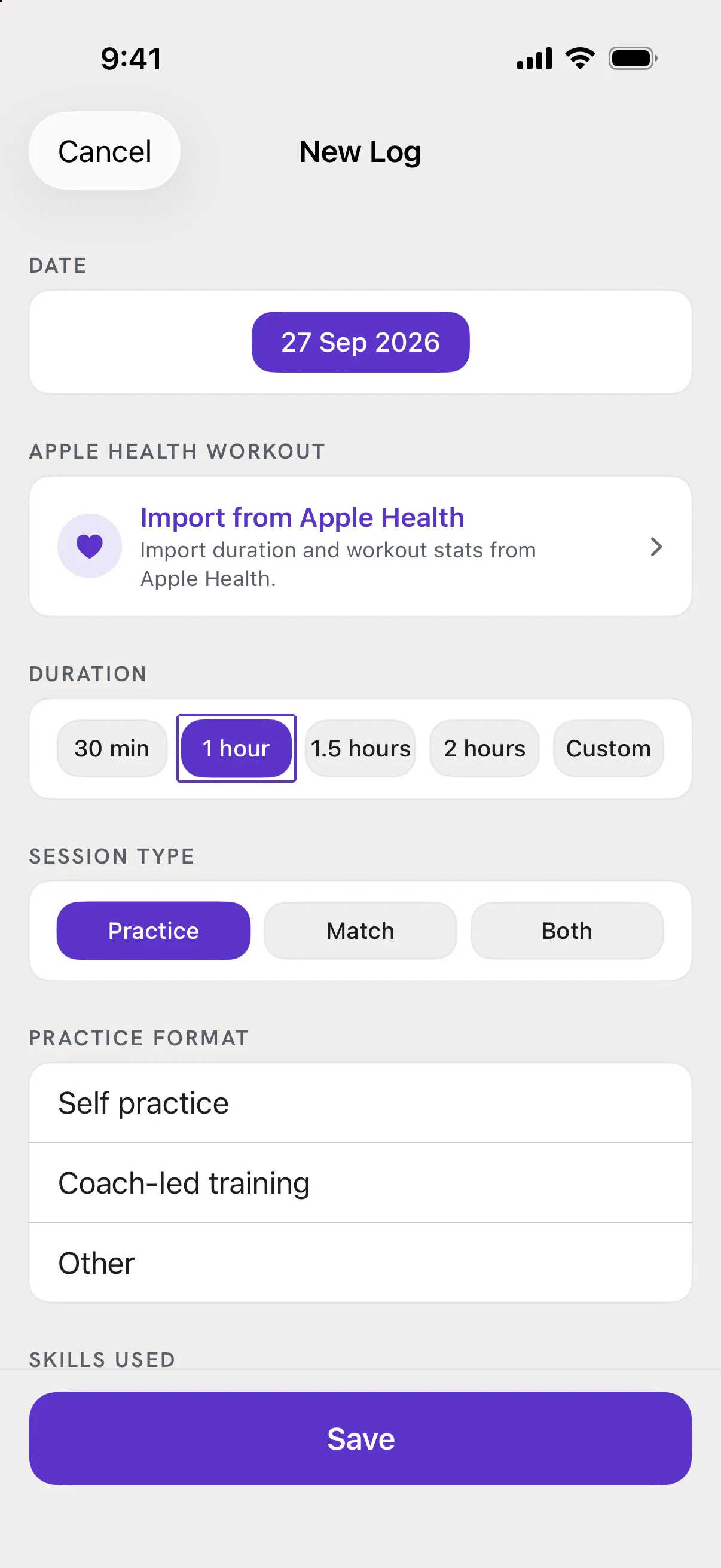
Under Duration tap 30 min, 1 hour, 1.5 hours, 2 hours or Custom to type hours and minutes. If you attach an Apple Health workout later, its time on court is used instead.
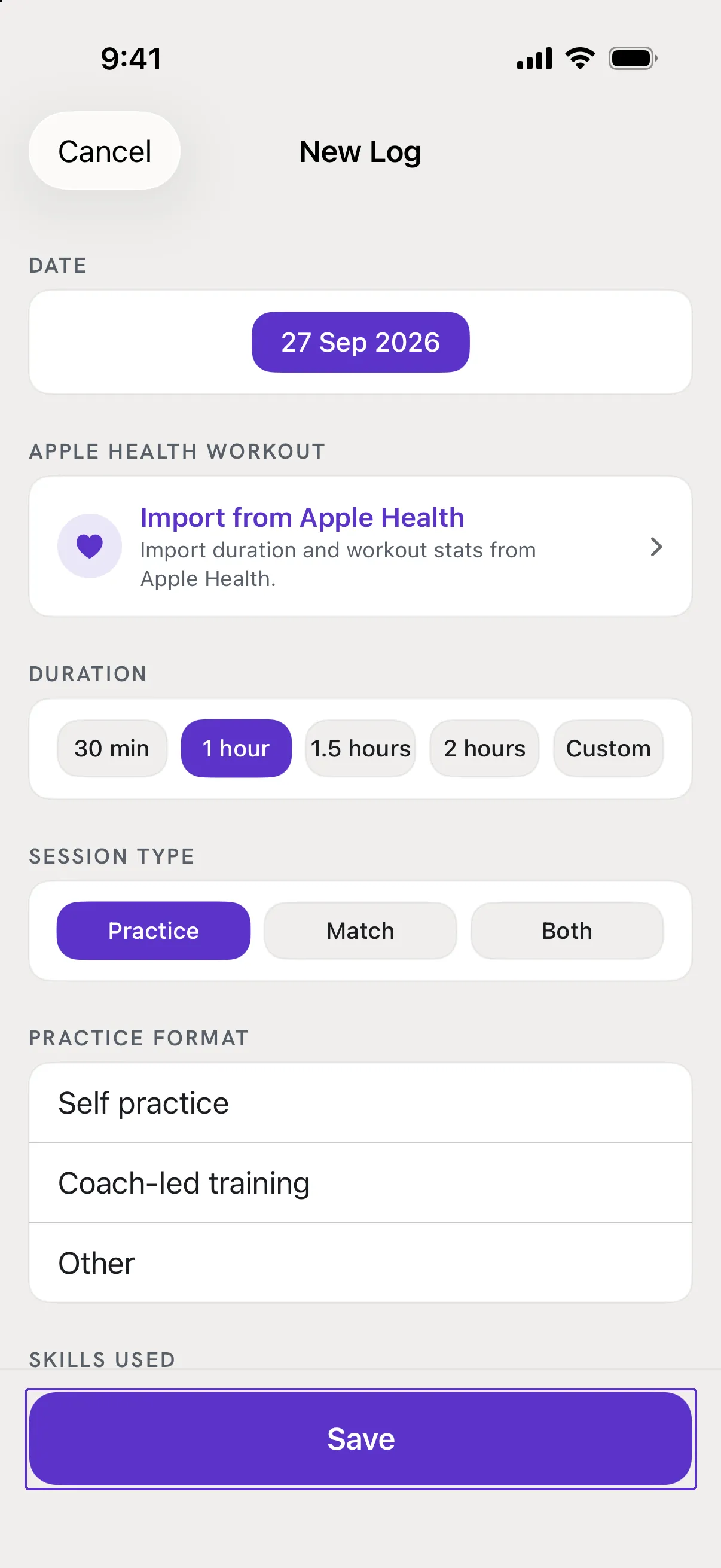
Tap Save at the bottom
Skip everything else for now. The session appears at the top of Sessions, and Review starts counting.
Good to know
- What is required?
- Session type, duration, and - depending on the type - a practice format or one match with its format and result. A card that still needs something shows a short message under its title when you tap Save.
- Can I add more later?
- Yes. Open the session from Sessions, tap Edit, and add skills, a reflection, photos or a workout whenever you like.