Log a session
Every card on the New Log screen, what it is for, and which ones are required.
Before you start
Only the date, session type, duration and the type-specific card are required. The rest is there when you want it.
Steps
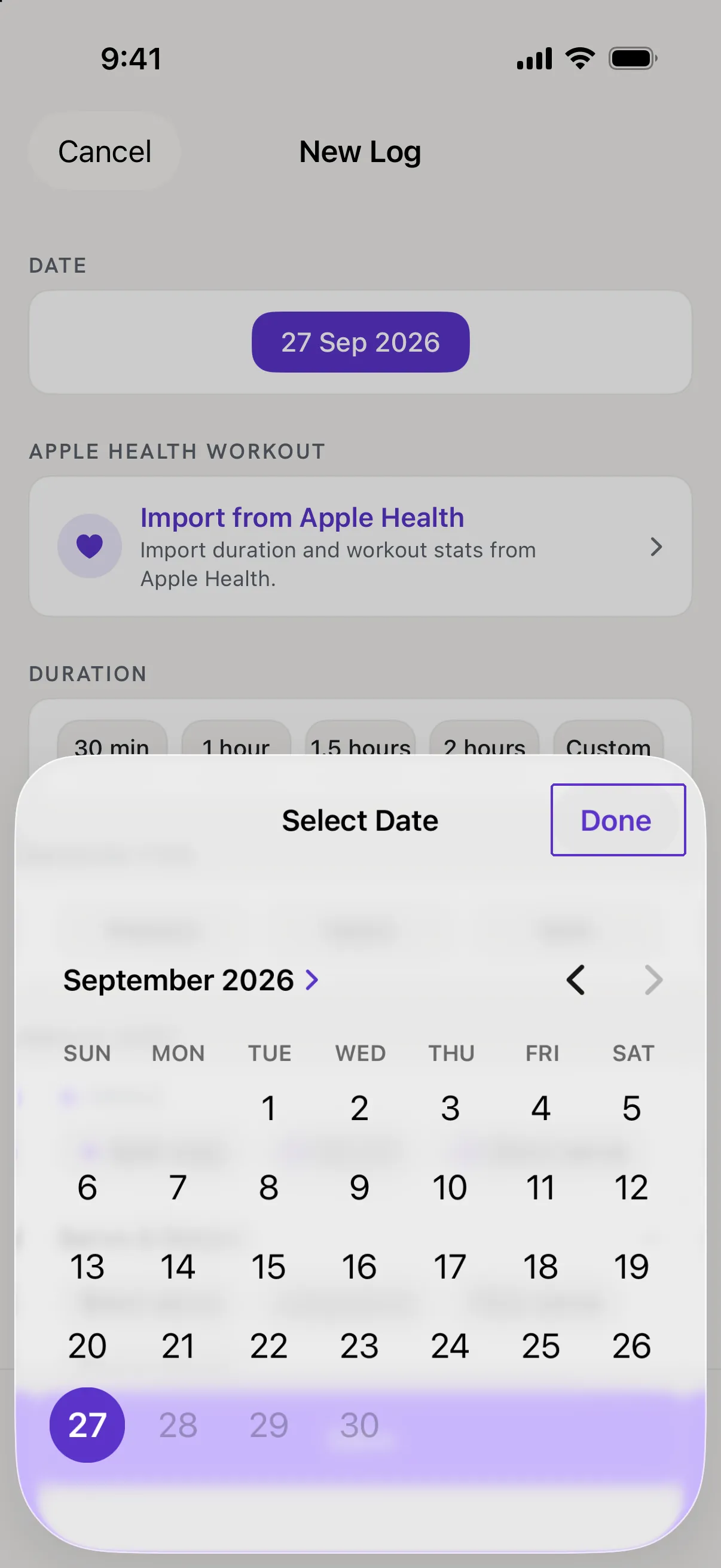
Set the date
Tap +. The Date chip shows today; tap it to open Select Date and pick another day, then Done.
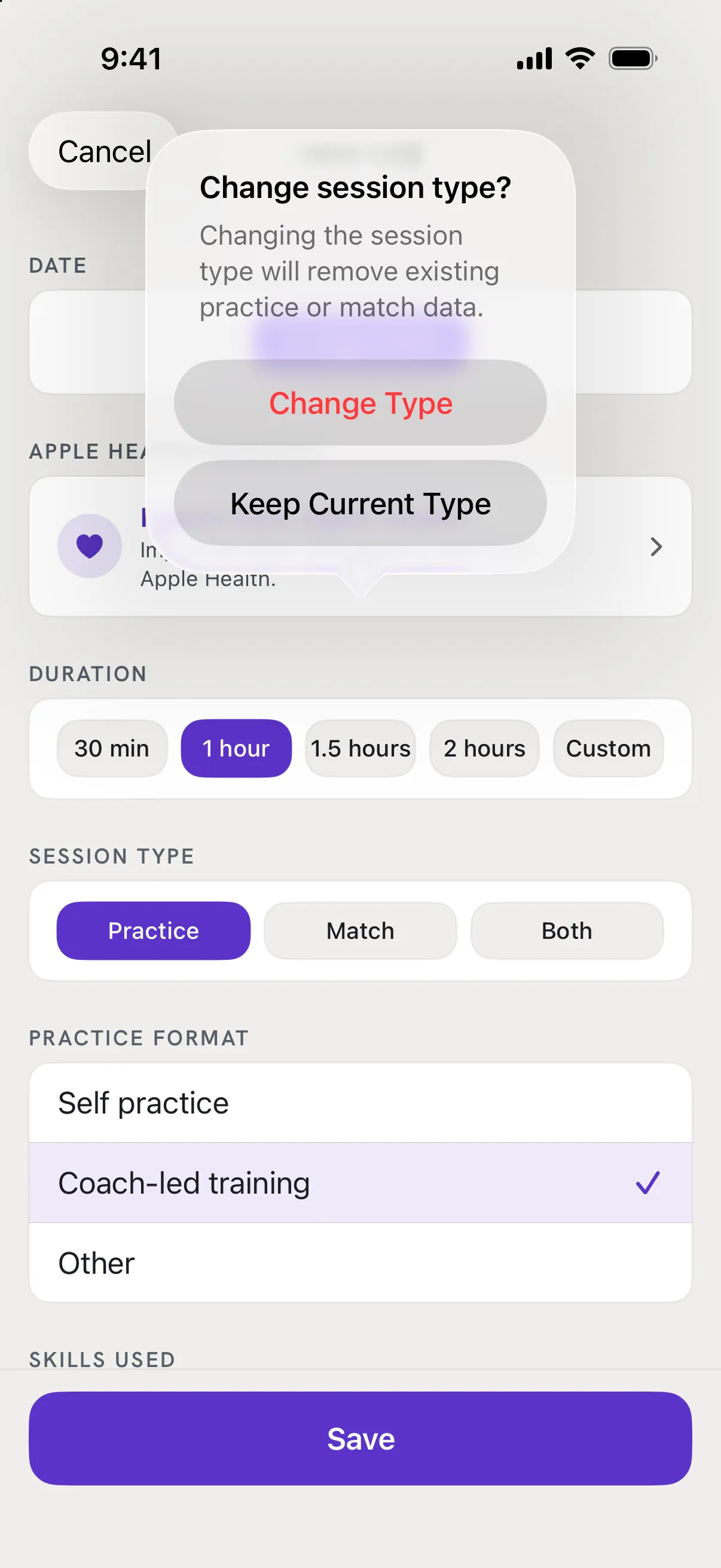
Pick Practice, Match or Both
Under Session Type. Both means practice and matches in one session. Changing the type later removes the practice or match data you entered for the old type, and the app warns you first.
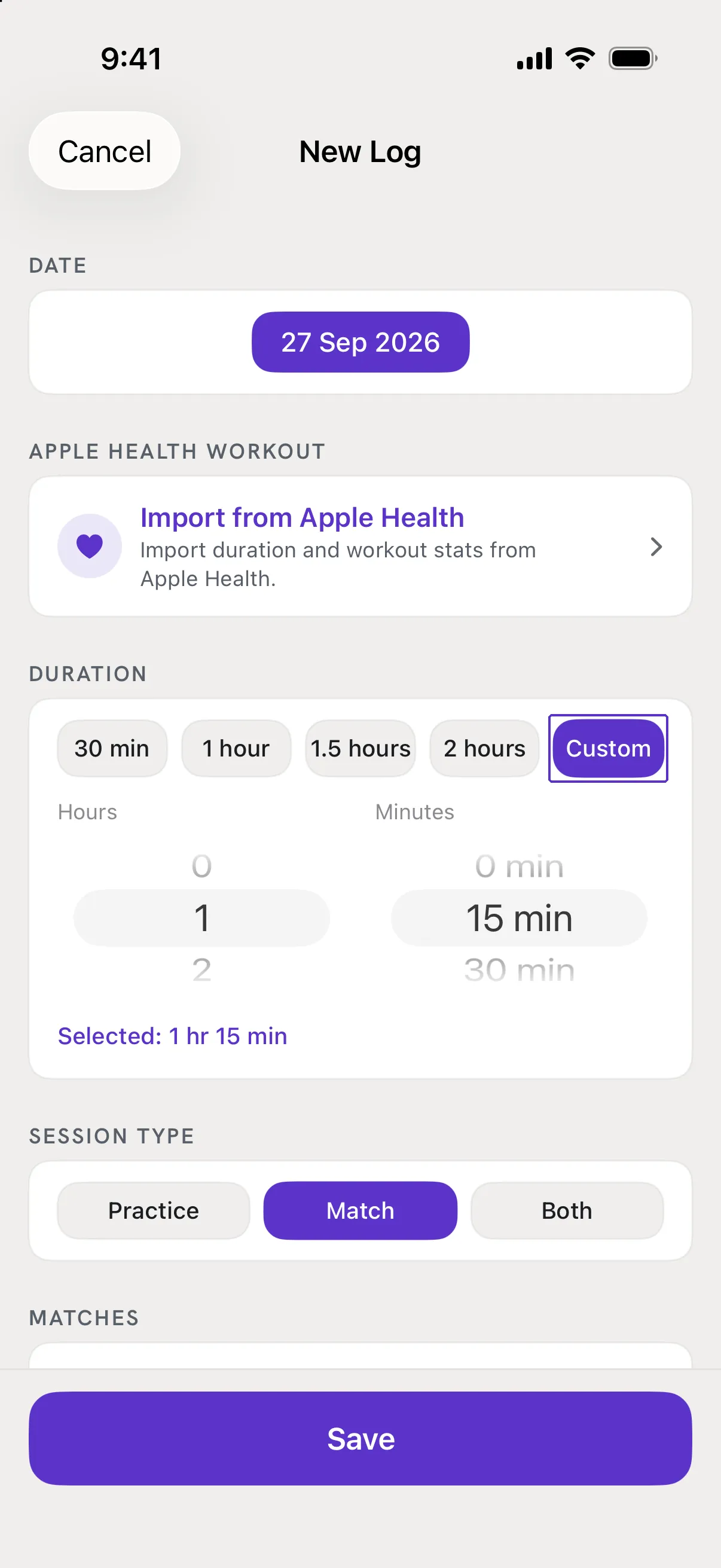
Set the duration
30 min, 1 hour, 1.5 hours, 2 hours, or Custom for exact hours and minutes.
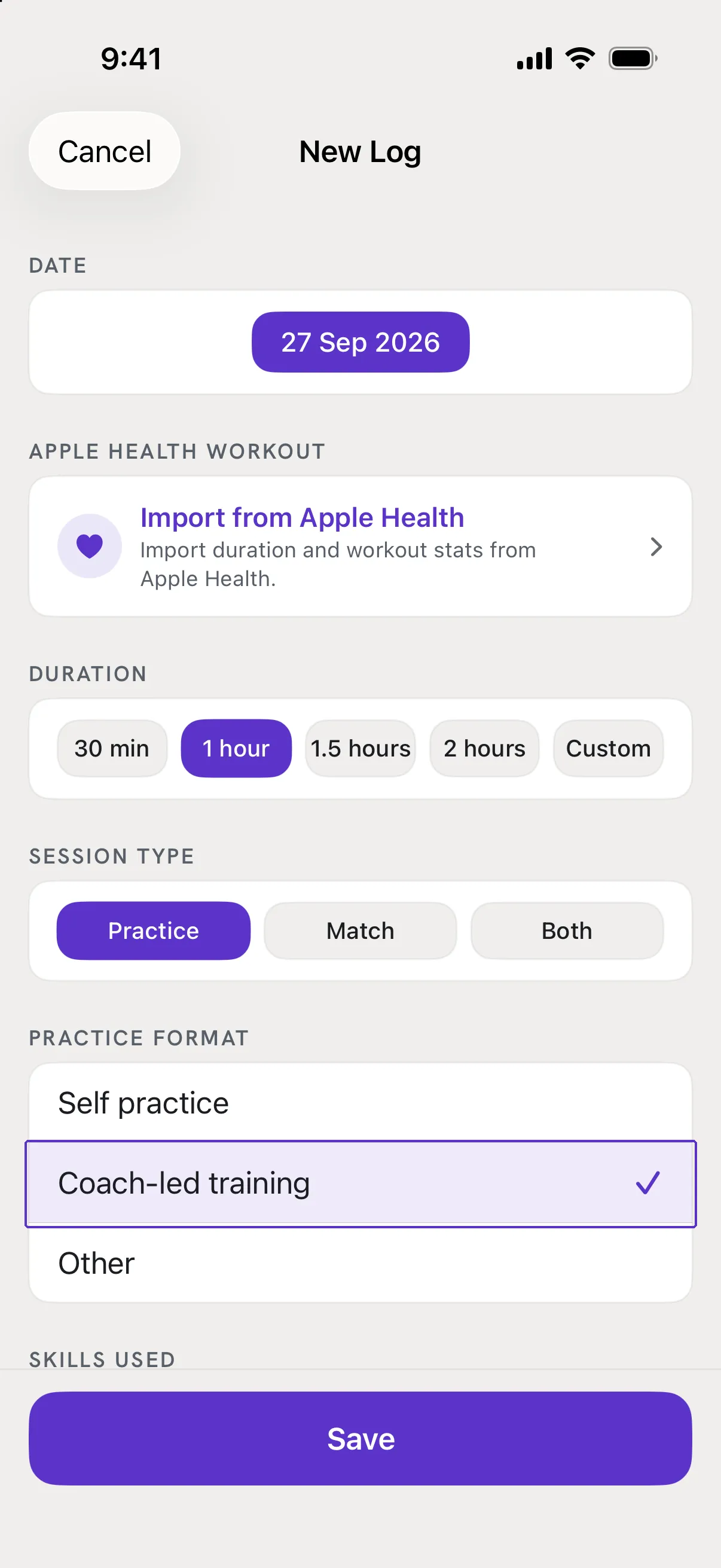
Fill the type card
For a practice, choose a Practice Format: Self practice, Coach-led training or Other with a short description. For a match, tap Add Match and set each one to Singles or Doubles and Win or Loss.
Add what you want to keep, then Save
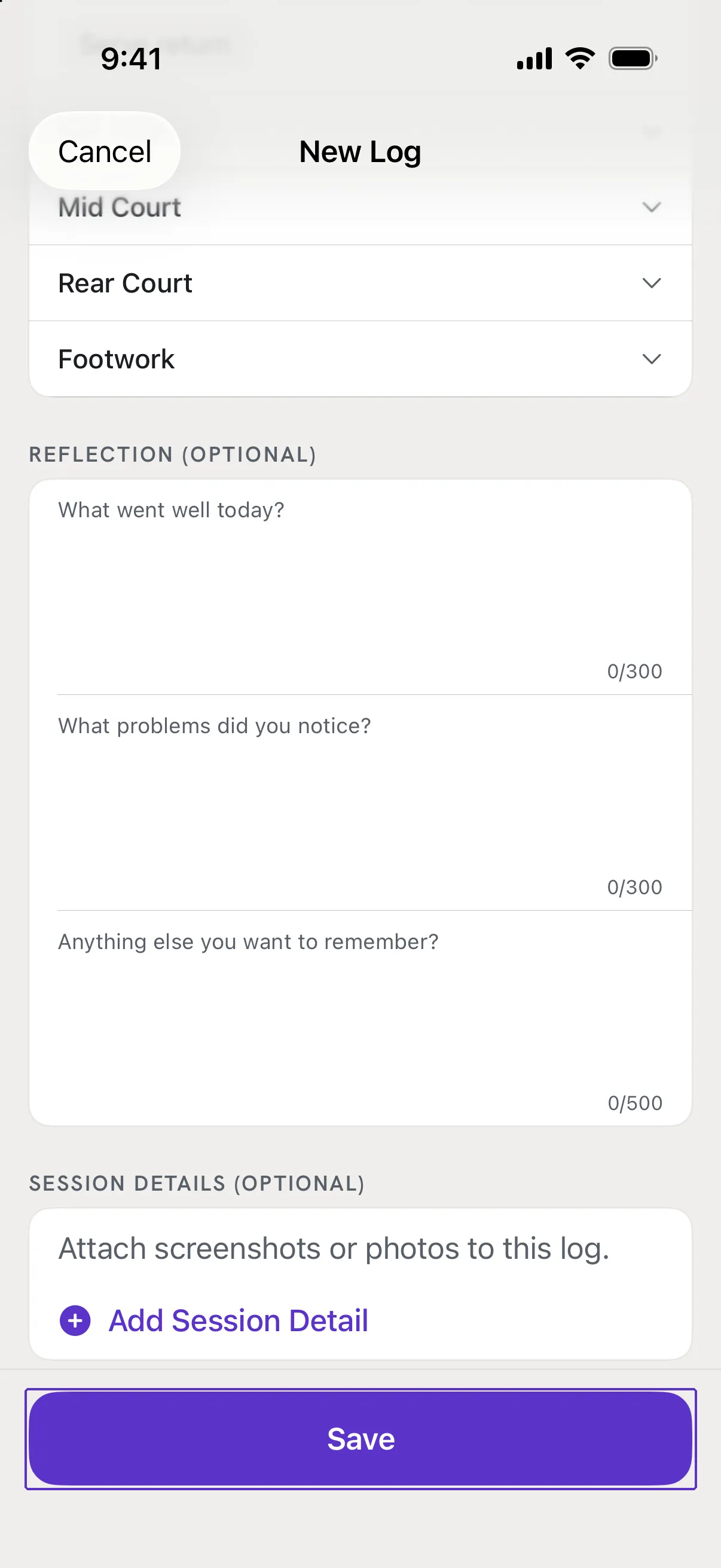
Apple Health Workout, Skills Used, Reflection and Session Details (photos) are all optional. Tap the Save button at the bottom.
Good to know
- I tapped Save and a card turned red.
- That card still needs something. The message under its title says what: "Select a session type", "Enter the session duration", "Select a practice format" or "Add at least one match".
- Can I leave without saving?
- Tap Cancel at the top left. If you typed anything, RallyPath asks whether to Discard or Keep Editing.