Settings and your data
Restore on a new phone
Install RallyPath, then import the backup before you log anything. Import only works into an empty app.
Before you start
Import is a one-time door: it opens only when the app has no logs and no skill evaluations. If you have already logged something on the new phone, the import is refused - see below.
Steps
Get the backup file onto the new phone
Open it from Files or iCloud Drive, or AirDrop it from your Mac. Do not log any session yet.
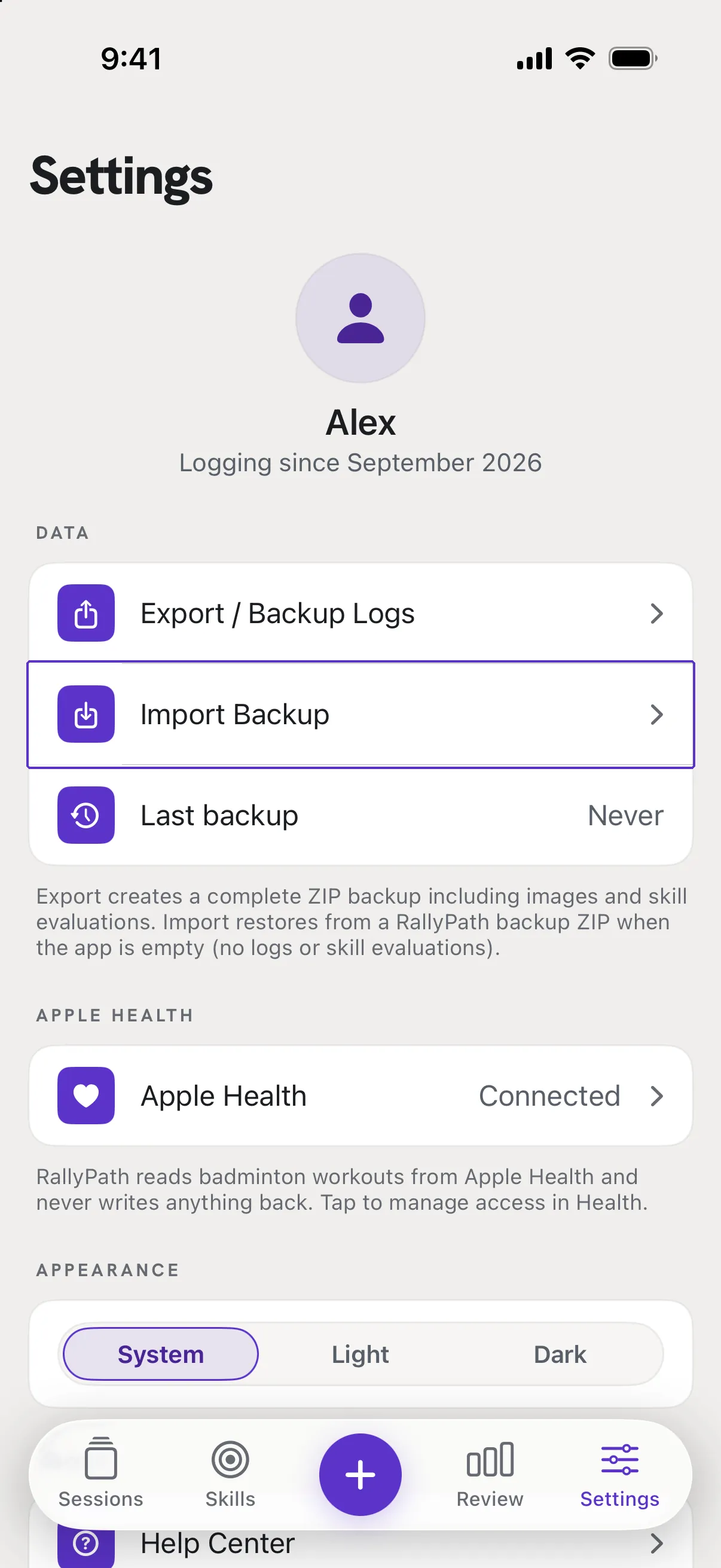
Go to Settings, then Data, then Import Backup
Pick the RallyPath_Backup_ ZIP. RallyPath reads it and confirms Successfully imported with the number of logs. Everything comes back exactly as it was, photos and ratings included.
Good to know
- It says import is only available when the app is empty.
- The new phone already has at least one log or rating. Either delete that data first (Settings, then Delete All Data) and import again, or keep what you have and re-enter the old sessions by hand. Deleting removes what is on this phone only; the backup file is untouched.
- Can I merge two phones?
- No. Import replaces nothing and adds nothing to an existing set; it only fills an empty app.