Players
Played several games in one session? Log each game as a match
In social play, log each game as its own match, with its score in Set 1.
In social play you often play one game, rest, then play again, sometimes with a new partner or new opponents. Log each game as its own match.
Why: a match in RallyPath has one result, Win or Loss. If you put two games into one match and won one, lost one, there is no right result to pick. One game per match keeps your record, and each player's stats, accurate.
Steps
In New Log, set Session Type to Match or Both.
In Match 1, choose Singles or Doubles, then Win or Loss for that game.
Add your partner and opponents (optional).
Enter the score in Set 1 only, e.g. 21-17. Leave Set 2 and Set 3 empty.
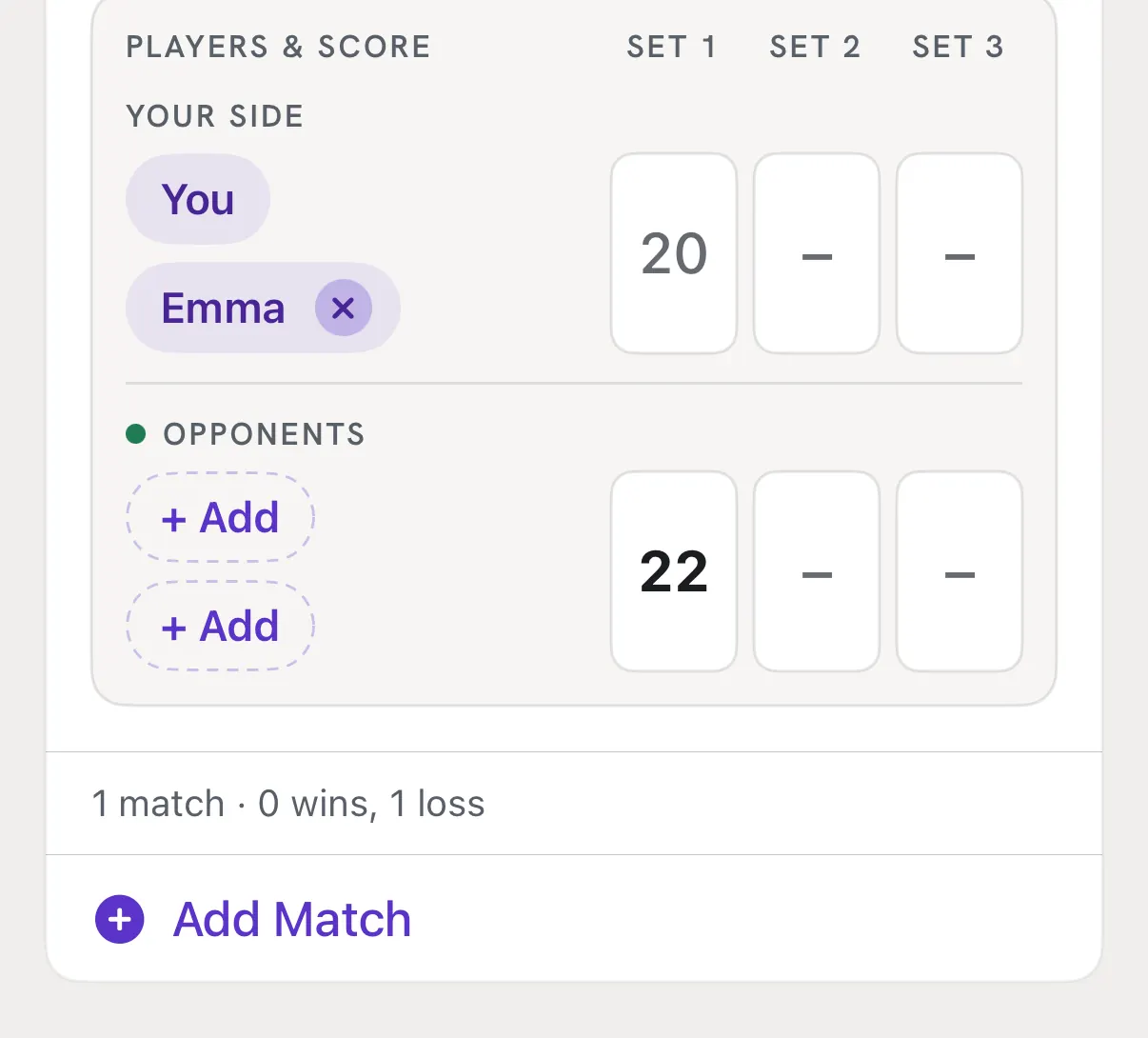
Tap Add Match for the next game and repeat. Change the partner or opponents if they rotated.
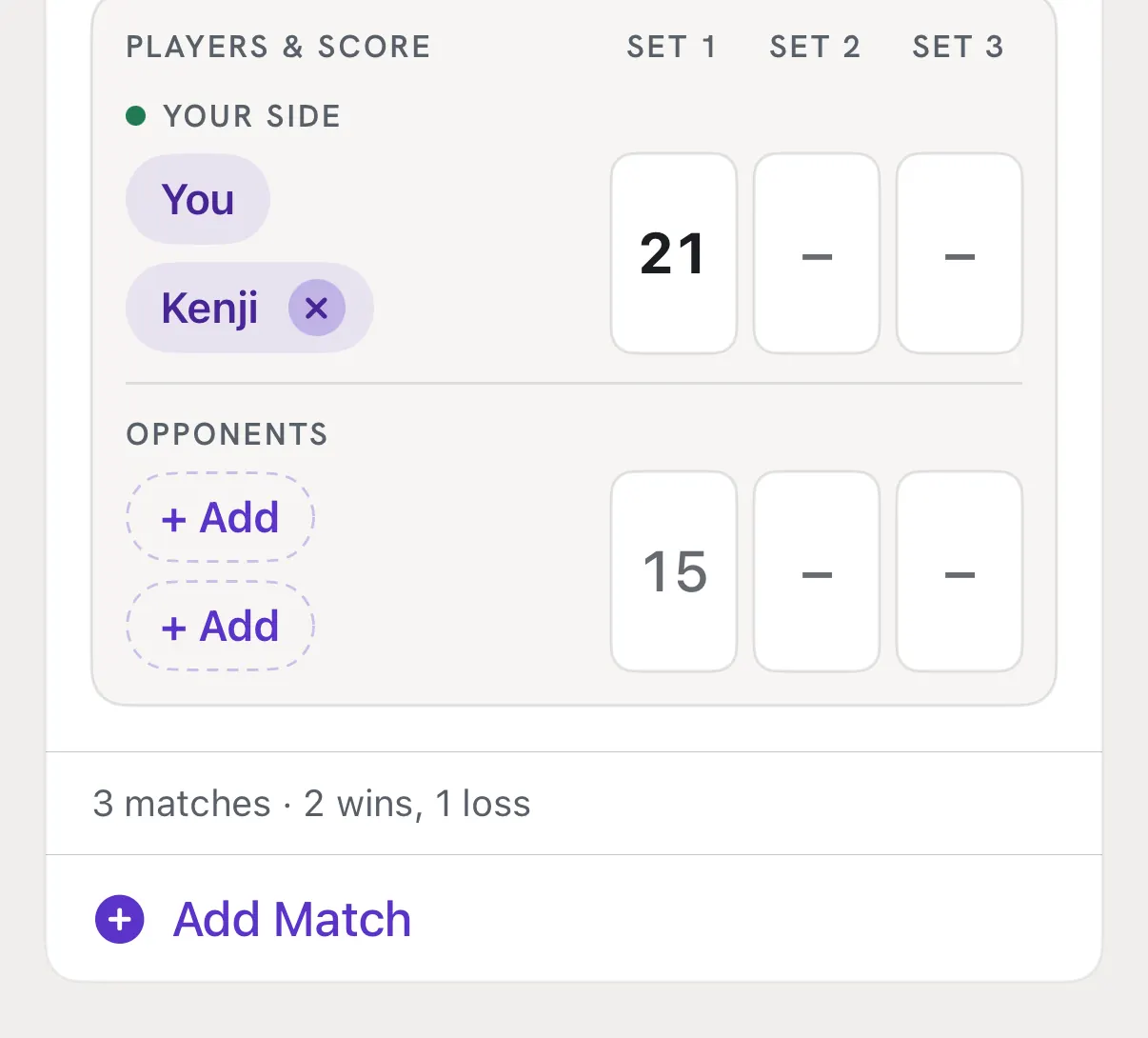
Tap Save.
Good to know
- When to use Set 2 and Set 3
- Only when you play a full best-of-3 match against the same opponents, where one side has to win 2 games. Then it is one match, with up to 3 sets.
- Example
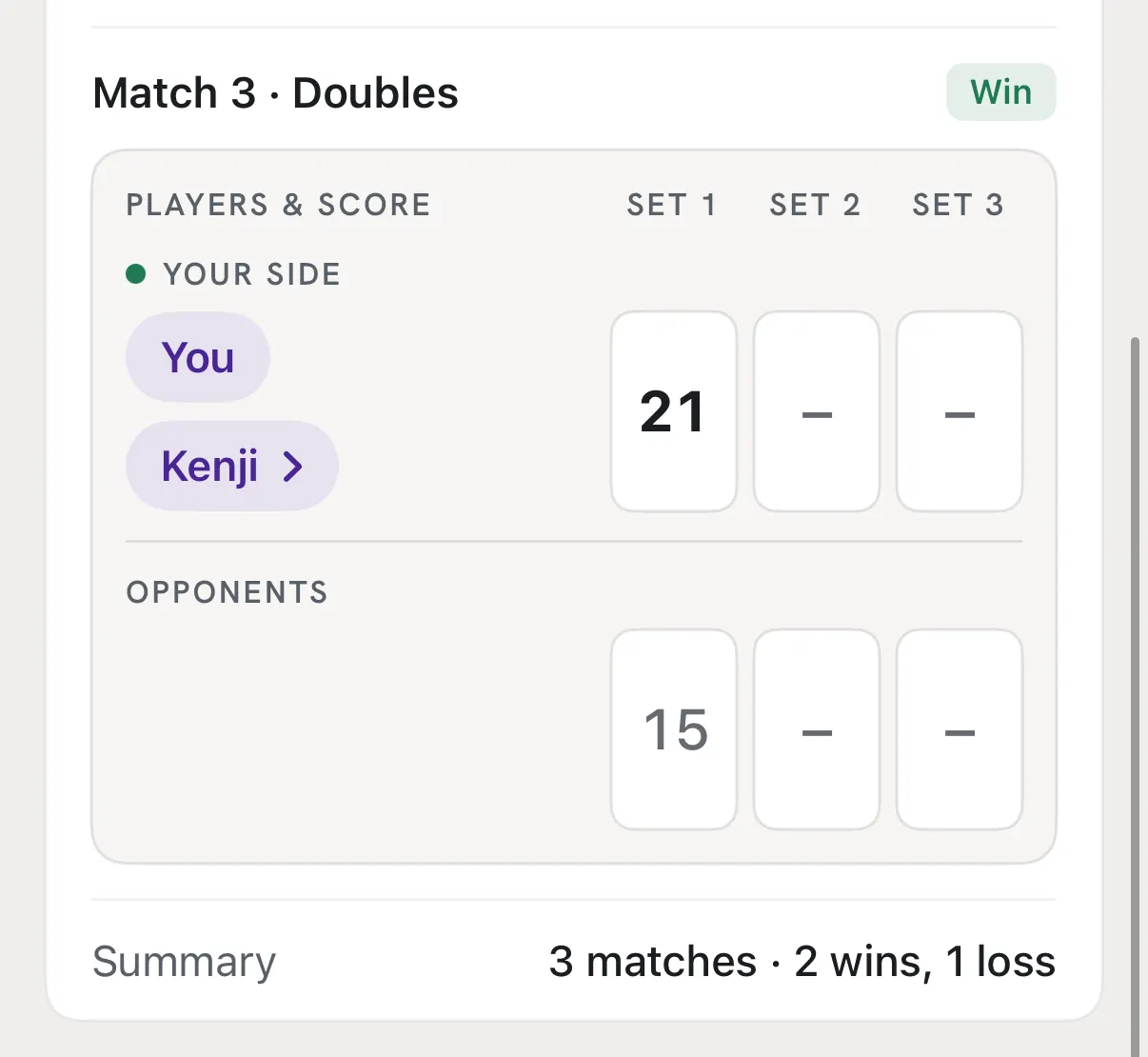
- You play three games tonight: lost 20-22 with Emma, won 21-10 with Emma, won 21-15 with Kenji. That's 3 matches: 1 loss, 2 wins.