Player page and notes
Every player has a page: your record with them and against them, your notes, and every session you played together.
Before you start
A player gets a page as soon as you add them to a match, or add them in Settings > Players.
Steps
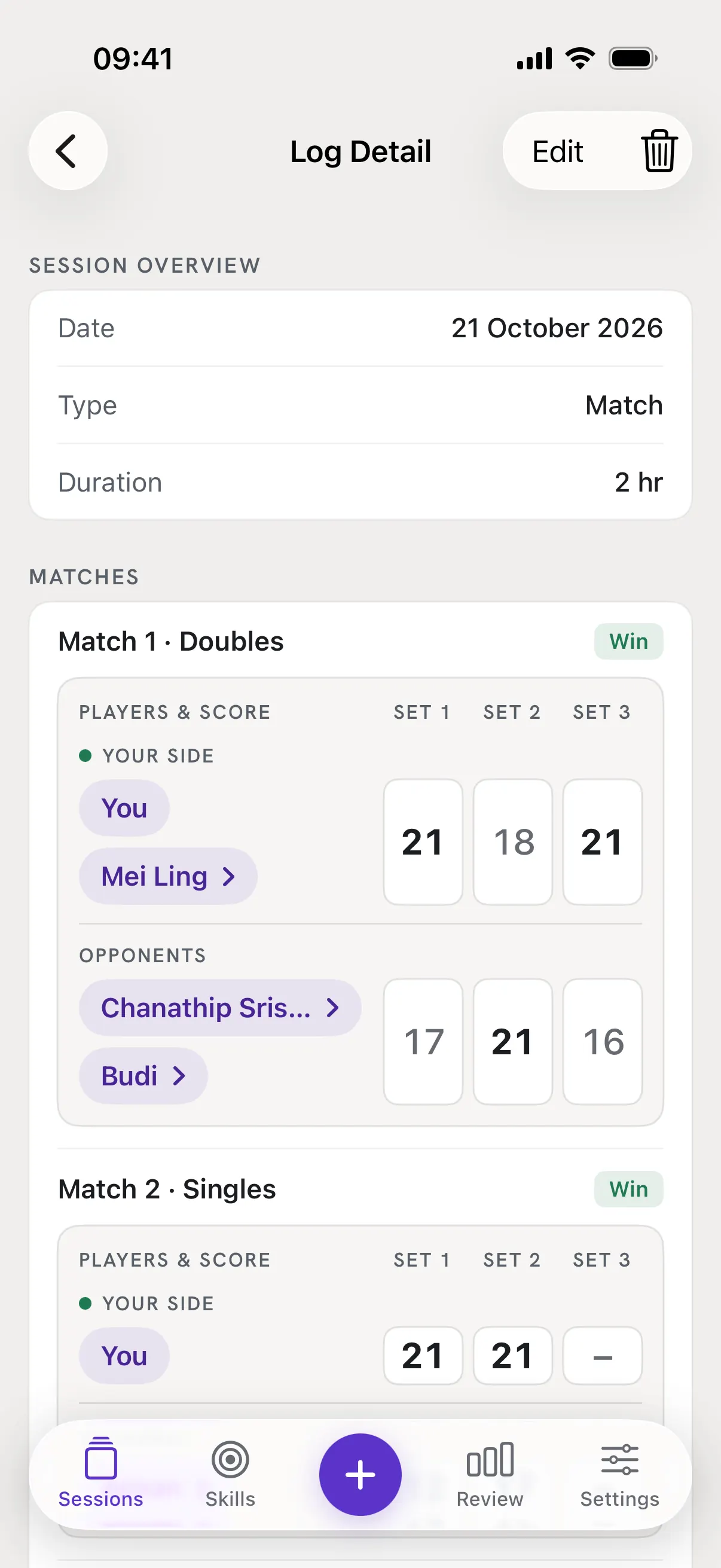
Tap a name in Log Detail
Open a session from Sessions. Every name on a match board has a ›: tap it to open that player's page. You has no page.
Or open the Players list
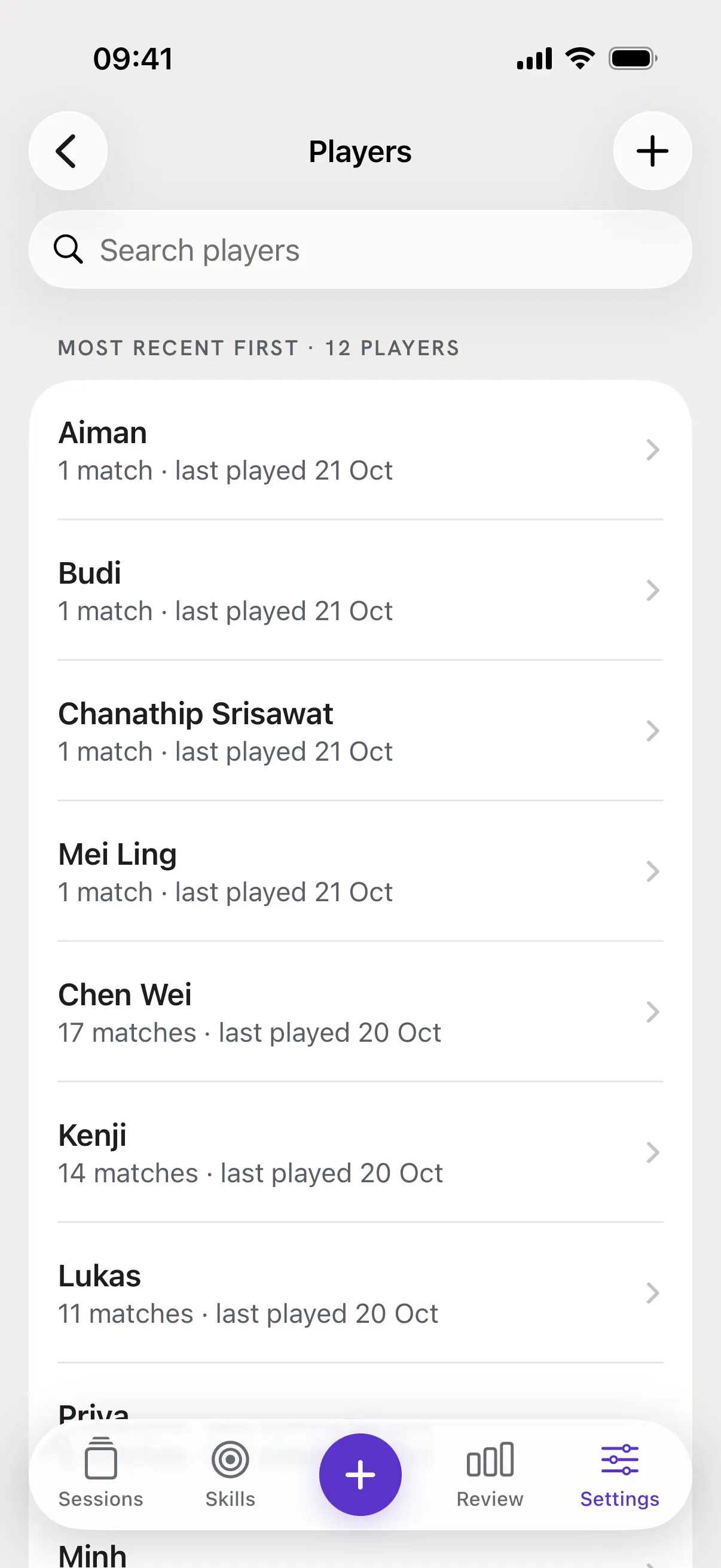
Go to Settings > Players to see everyone, most recent first, with how many matches you played and when. Search at the top, or tap + to add someone before you have played them. In Review, the Players card opens the same list with See all, and each of its names opens that player.
Read your record
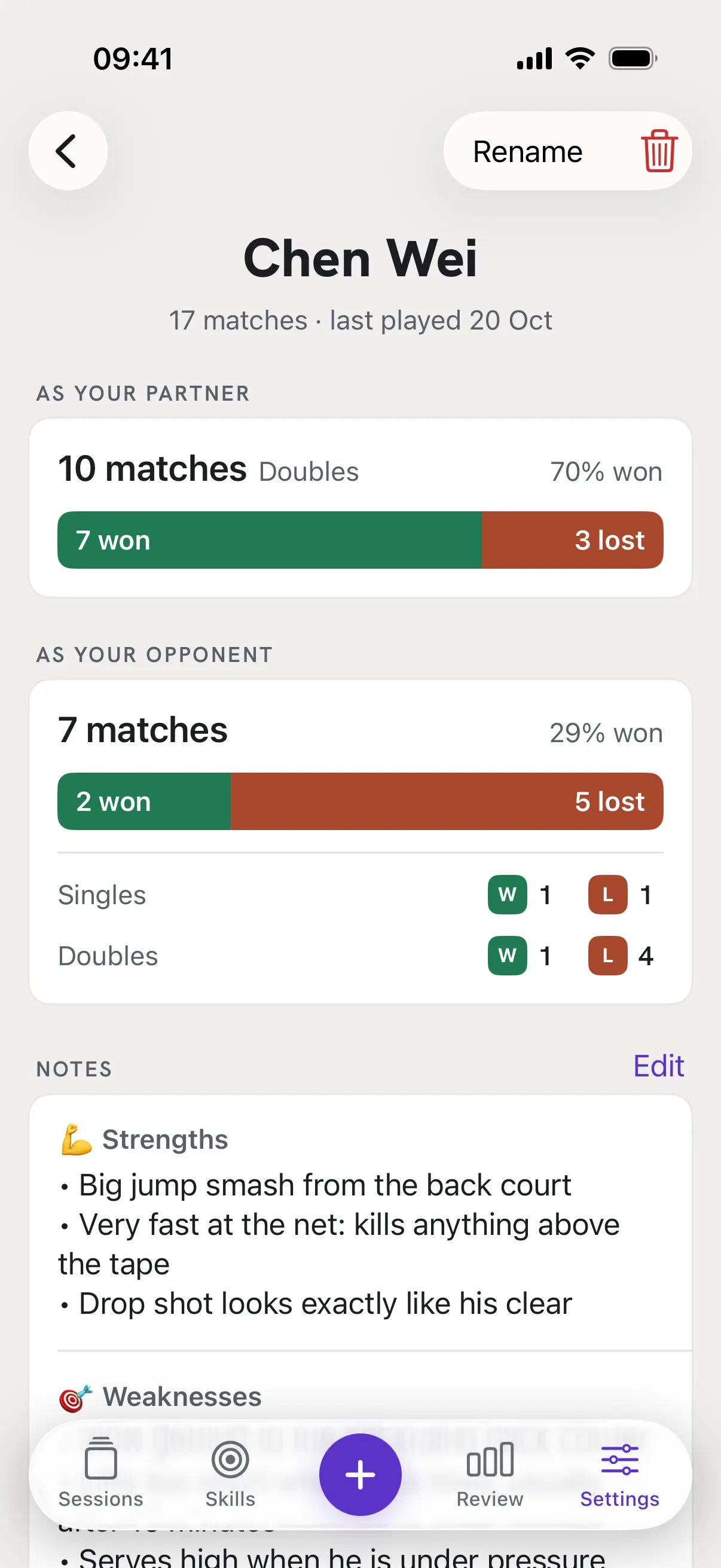
As your partner and As your opponent count your matches with them and against them, how many you won and lost, and the % won. If you played them in both singles and doubles, you also see the two apart.
Add notes
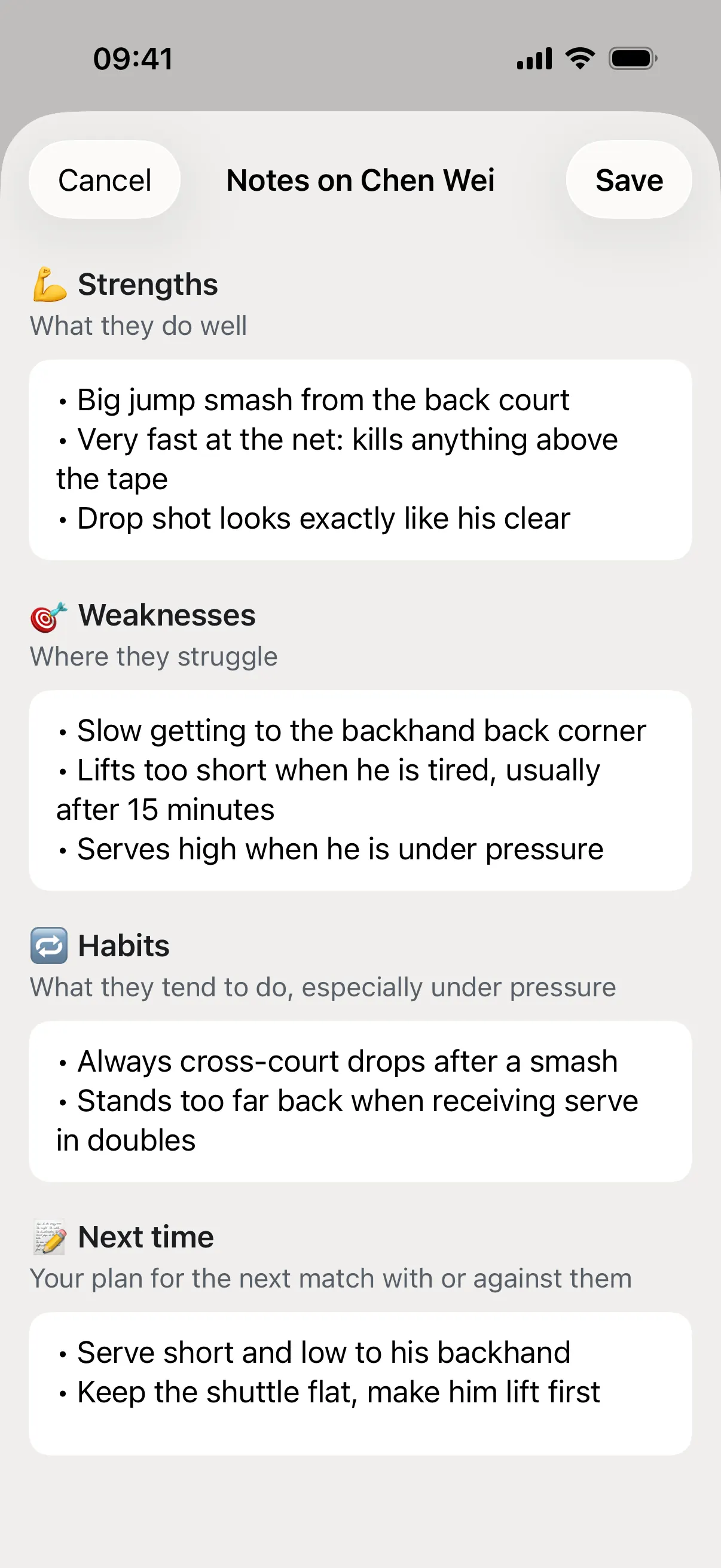
Tap Edit next to Notes. There are four: Strengths, Weaknesses, Habits and Next time, your plan for the next match with or against them. All four are optional, then tap Save.
See the sessions you played together
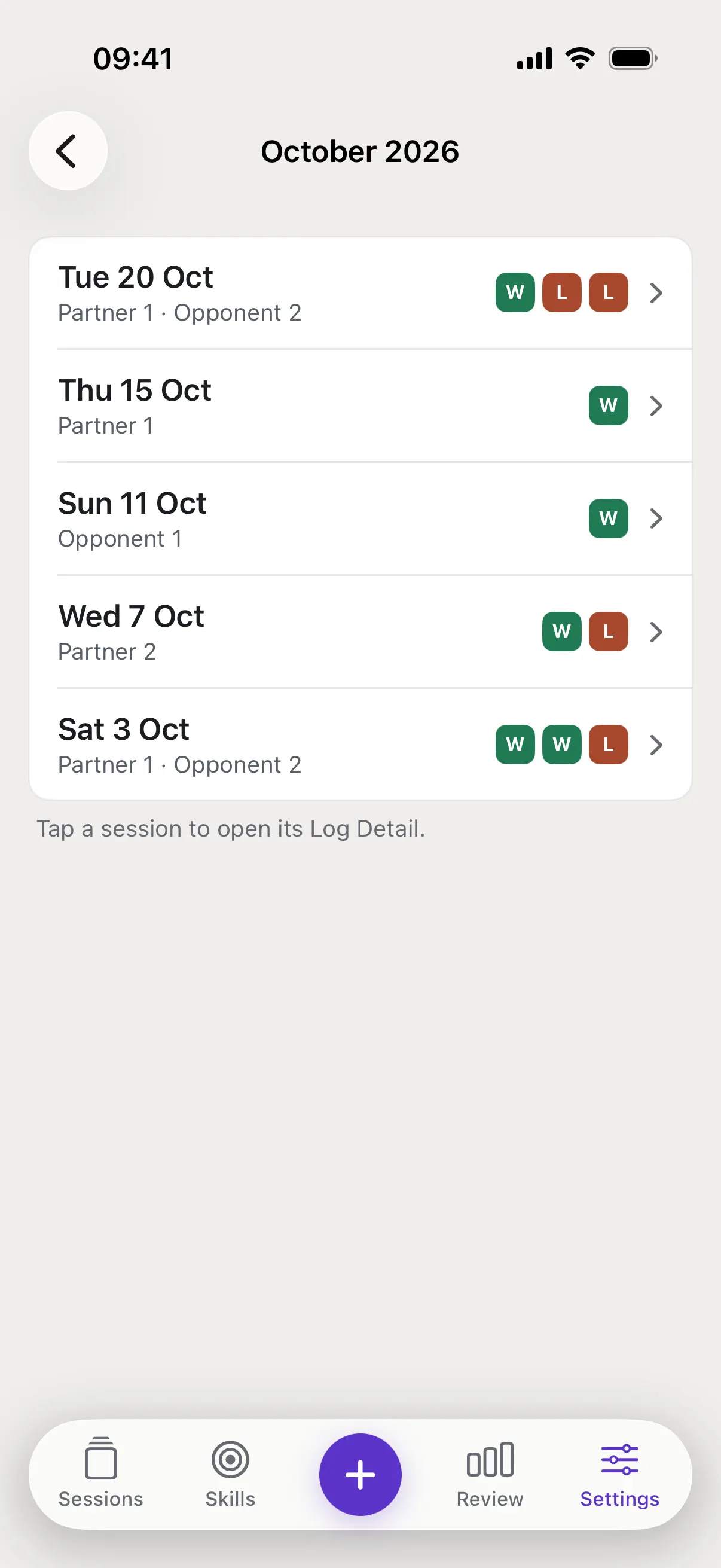
Under Matches with each row is one session: the date, how many matches they were your partner or opponent, and a square for each match, W won or L lost. Tap a row to open that session. See all lists every session by month.
Good to know
- A note says "Not added yet".
- That note is empty. Tap Edit to fill it in whenever you like.
- The Players card in Review says "Not yet".
- All three tiles need at least 3 matches in the period you chose, so one lucky match does not decide it. Played most with counts every match with or against that person, Best partner counts matches as your partner, and Toughest opponent counts matches as your opponent.
- Are players in my backup?
- Yes. Export includes your players, the names on each match, set scores and notes, and Import brings them back.